EasyManua.ls Logo

Sony M-2000 - Page 4

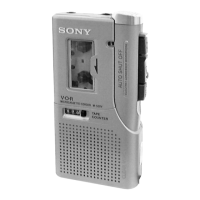
Sony M-2000
4 pages
Print Icon
To Previous Page IconTo Previous Page
Loading...
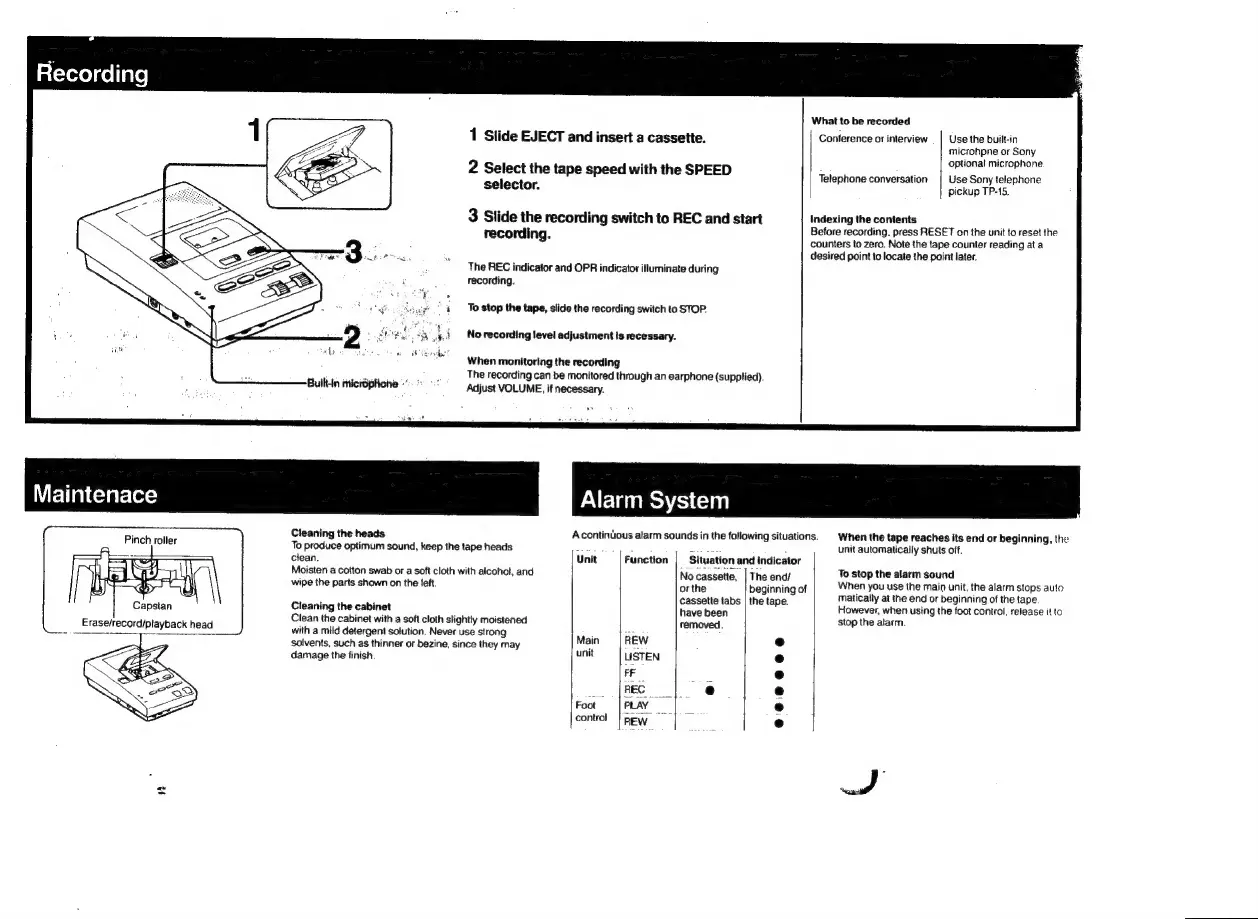
Recording
What
to
be
recorded
1
Slide
EJECT
and
insert
a
cassette.
|
Conference
or
interview
_ |
Use
the
built-in
microhpne
or
Sony
iwi
-
optional
microphone
2
Select
the
tape
with
the
SPEED
Telephone
conversation
Use
Sony
telephone
selector.
pickup
TP-15.
3
Slide
the
recording
switch
to
REC
and
start
Indexing
the
contents
recording
Before
recording,
press
RESET
on
the
unit
to
reset
the
5
counters
to
zero.
Note
the
tape
counter
reading
at
a
desired
point
to
locate
the
point
later.
The
REC
indicator
and
OPR
indicator
illuminate
during
recording.
To
stop
the
tape,
slide
the
recording
switch
to
STOP.
No
recording
level
adjustment
is
recessary.
When
monitoring
the
recording
The
recording
can
be
monitored
through
an
earphone
(supplied)
Adjust
VOLUME,
if
necessary.
Maintenace
Alarm
System
Cleaning
the
heads
A
continùous
alarm
sounds
in
the
following
situations.
When
the
tape
reaches
its
end
or
beginning,
the
Pinch
roller
To
produce
optimum
sound,
keep
the
tape
heads
:
=
unit
automatically
shuts
off.
clean.
Unit
Function
|
Situation
and
indicator
Moisten
a
cotton
swab
or
a
soft
cloth
with
alcohol,
and
No
cassette,
|
The
end/
To
stop
the
alarm
sound
wipe
the
parts
shown
on
the
teft.
or
the
beginning
of
When
you
use
the
main
unit,
the
alarm
stops
auto
cassette
tabs
|
the
tape.
matically
at
the
end
or
beginning
of
the
tape.
Cleaning
the
cabinet
have
been
However,
when
using
the
foot
control,
release
it
to
Clean
the
cabinet
with
a
soft
cloth
slightly
moistened
removed.
stop
the
alarm.
with
a
mild
detergent
solution.
Never
use
strong
R
ni
solvents,
such
as
thinner
or
bezine,
since
they
may
Main
e
damage
the
finish.
unit
e
a
e
e
e
Foot
e
control
|
pew
=
e
C

Related product manuals