Back Back to Top Print
Go to Page Top
Stereo Headphones
MDR-1ADAC
Turning the power on
When using the headphones for the first time, charge its battery beforehand.
Connect the headphones to your booted computer using the micro-USB cable (supplied).
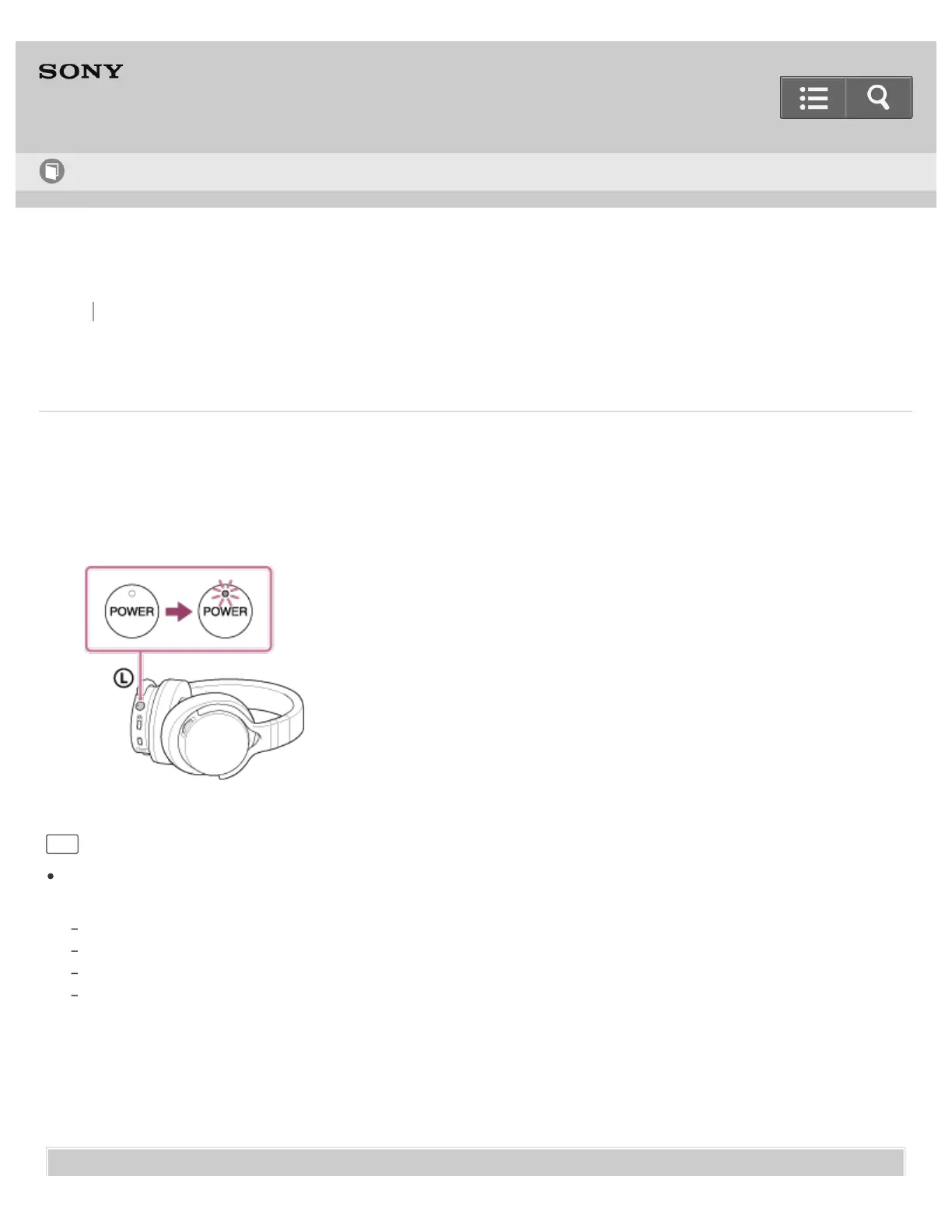
1. Press and hold the POWER button for about 2 seconds.
The POWER indicator flashes in green then lights up.
Hint
When the headphones are turned on, you can check the battery level by the number of times the POWER indicator
flashes in green.
Flashes three times: Substantially charged
Flashes twice: Half charged
Flashes once: Battery level is low. It is necessary to charge the battery.
Always flashing: The POWER indicator flashes in green after it beeps. The headphones do not output sound in this state
and will turn off automatically about 30 seconds later.
Help Guide
How to Use


 To Next Page
 Loading...