To check the sound quality mode
While the headset is powered on, press and hold the button, then press the + or - button
within 2 seconds (before the power is turned off). The indicator will flash in blue 3 times
(“Priority on sound quality” mode) or 1 time (“Priority on stable connection” mode).
Note
When you turn on the headset by pressing the button only, the indicator (blue) flashes two
times to indicate the power-on, but the headset does not indicate the sound quality mode with
flashes of the indicator (blue).
The playback time may become shorter, depending on the sound quality and the conditions
under which you are using the headset.
Depending on the ambient conditions in the area where you are using the headset, intermittent
sound may still occur, even if the “Priority on stable connection” mode is selected.
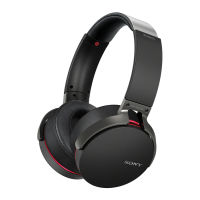
MDR-XB950B1 | Help Guide | Switching the sound quality mode http://helpguide.sony.net/mdr/xb950b1/v1/en/contents/TP0001176179.html
2 of 2 7/26/2017 10:06 AM


 To Previous Page