15
US03MD-U.fm masterpage:Right
MDX-CA680X
3-227-351-11 (1)
5
Press (ENTER).
Tips
• Simply overwrite or enter “_” to correct or erase a
name.
• There is another way to start storing station names:
Press (LIST) for 2 seconds instead of performing
steps 2 and 3. You can also complete the operation
by pressing (LIST) for 2 seconds instead of step 5.
Displaying the station name
Switch the display item to frequency or station
name*.
* If the station name is not stored, “NO NAME”
appears in the display for one second.
Erasing the station name
1 During radio reception, press (MENU),
then press either side of
(DISC/PRESET) repeatedly until “NAME
DEL” appears.
2 Press (ENTER).
3 Press either side of (DISC/PRESET)
repeatedly to select the station whose
name you want to erase.
4 Press (ENTER) for 2 seconds.
The name is erased.
Repeat steps 3 to 4 if you want to erase other
names.
5 Press (MENU) twice.
The unit returns to normal radio reception
mode.
Note
If you have already erased all of the station names,
“NO DATA” appears in step 4.
Tuning in a station through a
list
— List-up
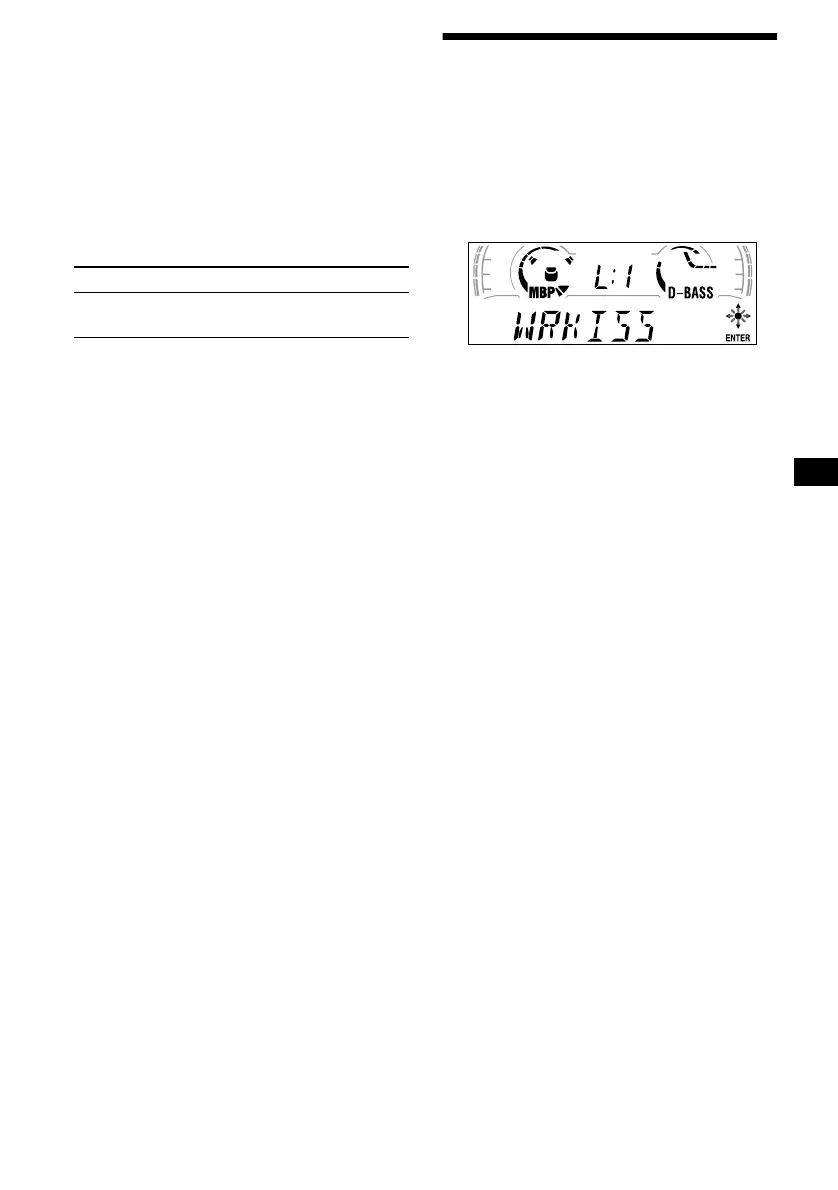
1 During radio reception, press (LIST)
momentarily.
The frequency or the name assigned to the
current station appears in the display.
2 Press either side of (DISC/PRESET)
repeatedly until you find the desired
station.
If no name is assigned to the selected station,
the frequency appears in the display.
3 Press (ENTER) to tune in the desired
station.
Note
If the TV tuner XT-40V is connected, the list appears
on the TV monitor instead of the display on the unit.
To Press
Switch display
item
(DISPLAY) during radio
reception







 To Next Page