7
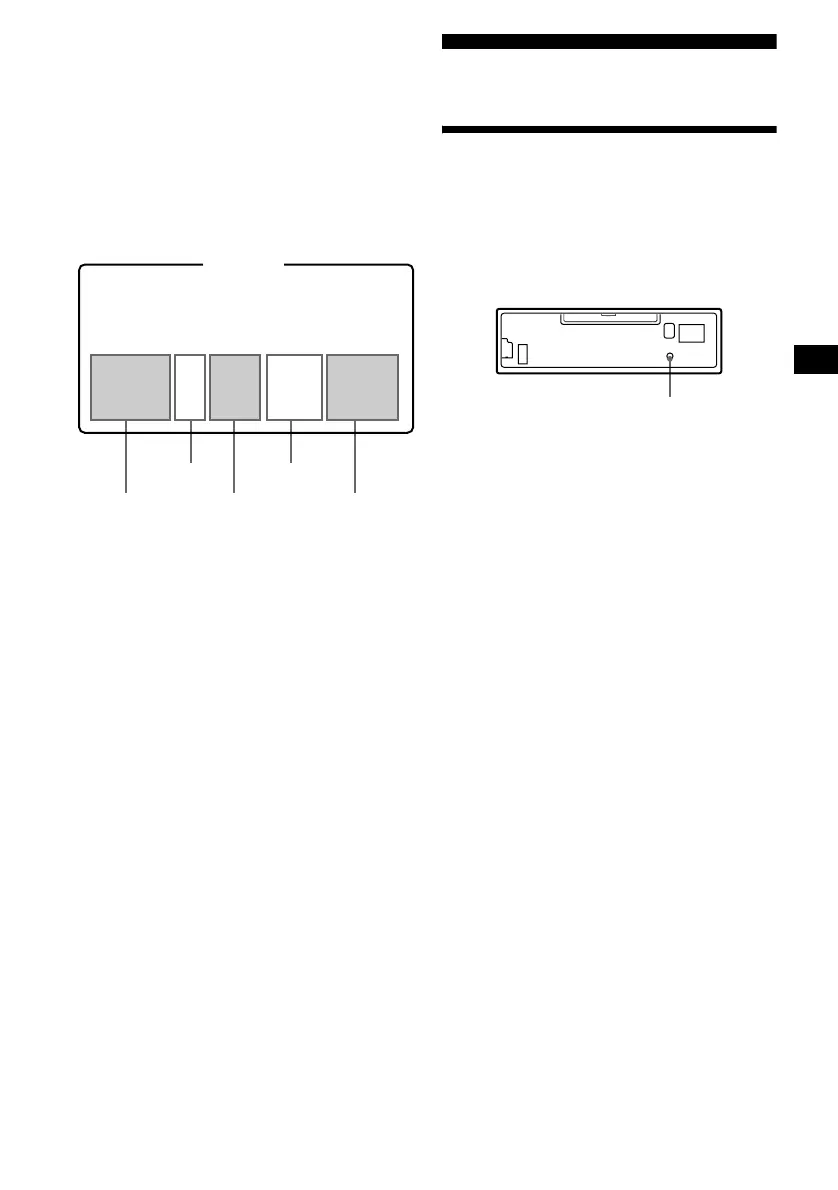
GP (group) assumption on this unit
This unit assumes a track/tracks between groups
as “GP,” so “GP” number is allotted to tracks not
set in a group as well as each group set by your
MD recorder. The indication of “GP” number
lights up in the display window, when an MD
containing groups is inserted in this unit and
played.
MD containing groups and allotted “GP”
numbers on this unit
* Groups: set by your MD recorder.
For using MD group function, refer to “Playing a
disc” (page 9), “Playing tracks repeatedly”
(page 11), and “Playing tracks in random order”
(page 12).
Note
MD group function is available only when an MD
containing groups is inserted in this unit and played.
Getting Started
Resetting the unit
Before operating the unit for the first time, or
after replacing the car battery or changing the
connections, you must reset the unit.
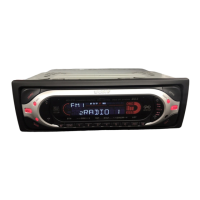
Remove the front panel and press the RESET
button with a pointed object, such as a ballpoint
pen.
Note
Pressing the RESET button will erase the clock setting
and some stored contents.
123456789
10
MD
GP1
(Group1
*)
GP3
(Group2*)
GP5
(Group3*)
GP2 GP4
RESET button






 To Next Page