EasyManua.ls Logo

Sony Multiscan CPD-1304S - User Manual

Sony Multiscan CPD-1304S
8 pages
Print Icon
To Next Page IconTo Next Page
Loading...
DUIN
Yo
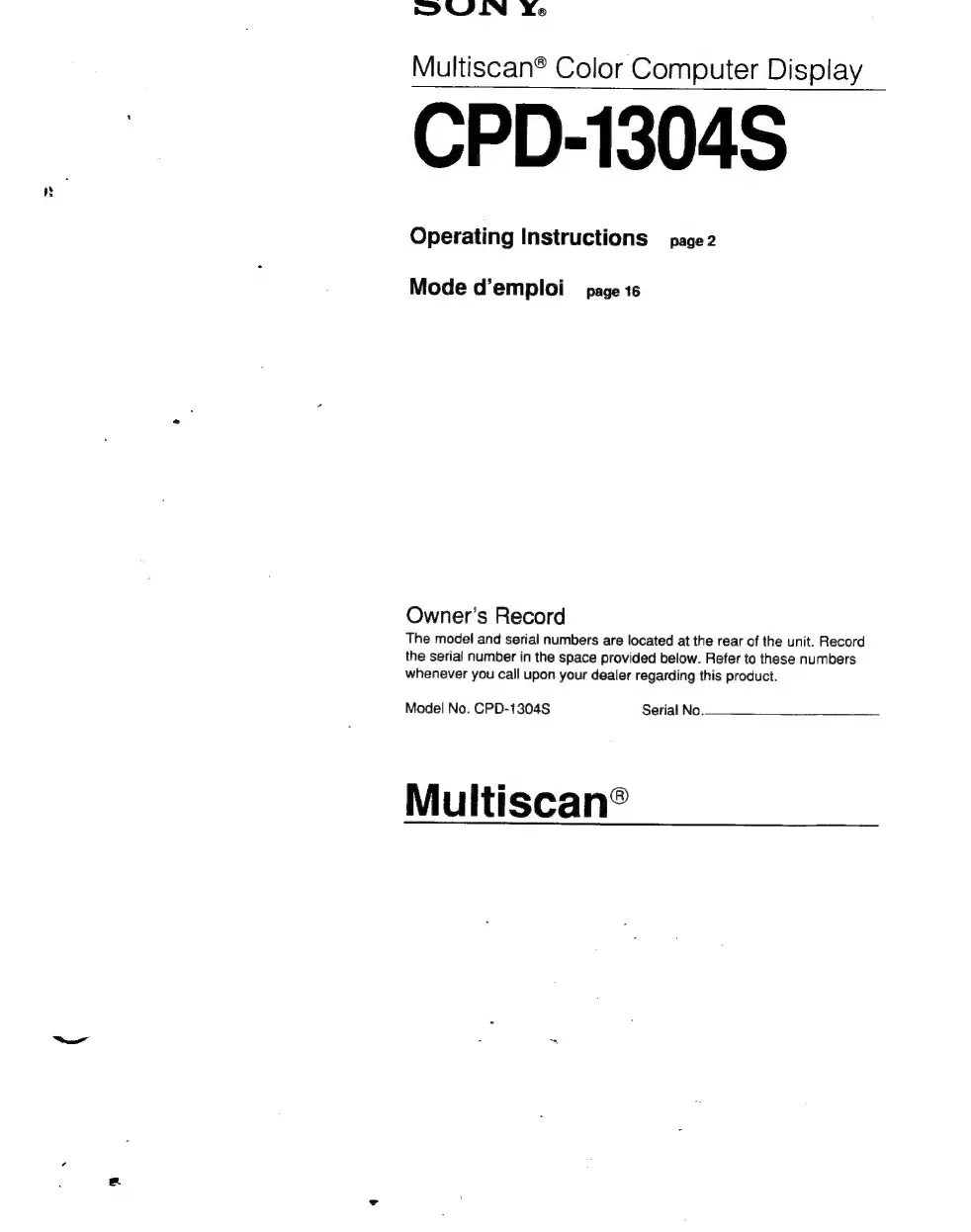
Multiscan®
Color
Computer
Display
CPD-1304S
Operating
Instructions
page2
Mode
d’emploi
page
16
Owner’s
Record
The
model
and
serial
numbers
are
located
at
the
rear
of
the
unit.
Record
the
serial
number
in
the
space
provided
below.
Refer
to
these
numbers
whenever
you
call
upon
your
dealer
regarding
this
product.
Model
No.
CPD-1304S
Serial
No.
Multiscan®

Other manuals for Sony Multiscan CPD-1304S

Questions and Answers

  • L
    Lee BarreraAug 10, 2025
    What to do if I have a communication error on my Sony Multiscan CPD-1304S?
    • J
      Julian NormanAug 10, 2025
      If your Sony Monitor experiences a communication error, ensure the device is set to the correct operating mode, focusing on the slowest participant if multiple devices are on the bus. If parameter settings have been changed, revert them. Inspect communication cables for damage, verifying each wire's connection from terminal to terminal. You can also test the digital outputs of the disconnected device, checking for any unintended connections between the switching signal line and the return line (except for Output DO_1, the opener). Additionally, use the display I/O Overview and I/O Board details to test the function of the digital outputs during operation.
  • J
    Jordan BrownNov 25, 2025
    How to troubleshoot electrical utilities and insulation failure in Sony Multiscan CPD-1304S?
    • W
      wlaneNov 25, 2025
      If your Sony Monitor is experiencing electrical utilities and insulation failure, start by checking all switching and safety devices outside Q2 and replace any defective fuses. Then, verify the cable connections between the device and the electrical supply, ensuring there are no disconnections and low resistance electrical contact. If necessary, reconnect the wires. Also, check the power at the feed source, ensuring it's not affected by congestion from other devices, insulation failure, or defective components. Replace any affected parts. Measure the open circuit voltage (without connections); if a defect is present, exchange or repair the electrical supply. Finally, measure the incoming open-circuit voltage of the power cable to the device. If the voltage is missing or significantly less ...

Sony Multiscan CPD-1304S Specifications

General IconGeneral
Display TypeCRT
Max Resolution1024 x 768
Refresh Rate75 Hz
Dot Pitch0.25 mm
Input Connectors15-pin D-Sub
Input Video SignalAnalog RGB
Screen Size13 inches
Viewable Size12 inches
Resolution1024 x 768
Horizontal Scan Range30 - 50 kHz
Vertical Scan Range50 - 90 Hz

Related product manuals