100
GB
Table of
contents
Sample photo Menu Index
Slide Show
Plays back images automatically.
Plays back only 3D images in Slide Show on the 3D TV connected to the camera.
1 MENU t [Playback] t [Slide Show] t desired mode t OK.
• You cannot pause the slide show. To stop the slide show, press the center of the control wheel.
• You can play back images in Slide Show when [View Mode] is set to [Folder View(Still)] only.
• A panoramic image is displayed in full image. To scroll a panoramic image, press the center of the
control wheel when the image is displayed.
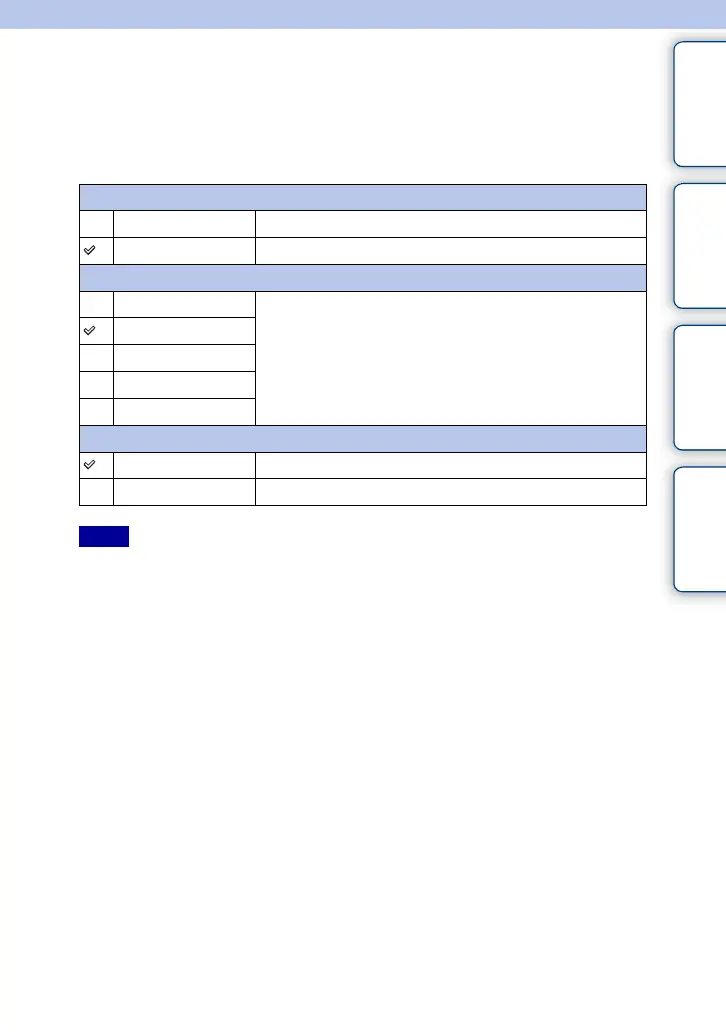
Repeat
On Plays back images in a continuous loop.
Off After all the images have been played back, the slide show ends.
Interval
1 Sec Sets the display interval of images.
3 Sec
5 Sec
10 Sec
30 Sec
Image Type
All Plays back all still images as normal images.
Display 3D Only Plays back 3D images only.
Notes



 To Next Page
 Loading...










