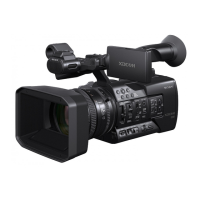
PMW-F55, recovering the SDI Sub Out Display.
The below should work regardless of where the cursor was left and starts with moving the cursor back
to the topmost category in the menu.
Obviously you will not see the menu screens below—they are provided as a reference.
1. Make sure you are starting from Camera Mode (with no menus enabled)—the SUB display (side
panel LCD) will show the camera functions active/orange.
2. Press the Menu button once. The SUB display will turn grey, indicating that the menu is enabled:
3. The first thing we need to do in the menu is get out of any sub menu and back to the category
list. To do this, press the CANCEL/BACK button several times—this will move the cursor back to
the category items in the menu (Camera, Paint, etc).



 To Next Page