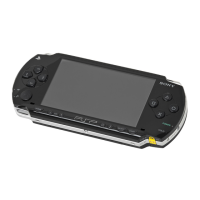
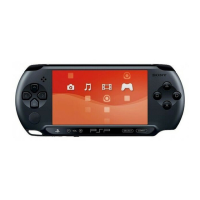
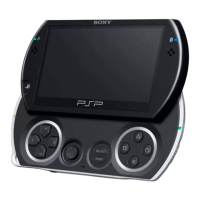
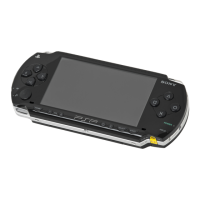
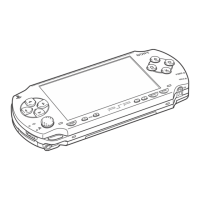
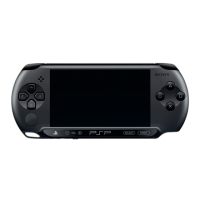
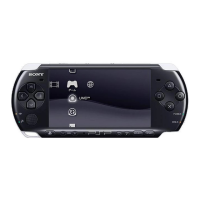
This document describes basic operations of the PSP™ system. For detailed instructions, refer to the online user’s guide
( page 23).
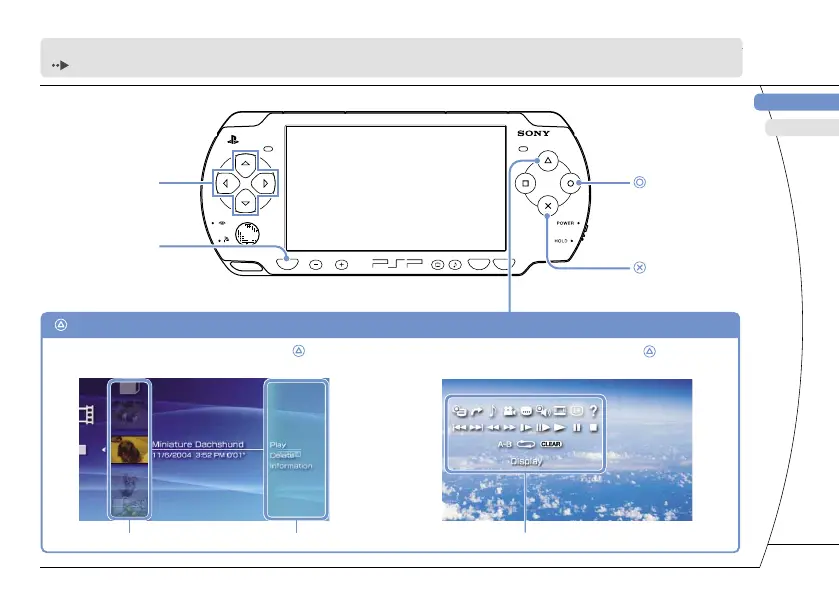
Directional buttons:
Used to select
categories/items
button:
Cancels selected
operations
button:
Confirms selected
items
HOME button:
Returns to the Home Menu
Select an icon, and then press the button
to display the options menu.
While playing content, press the button
to display the control panel.
button: Displays the options menu/control panel
Icons Options menu
Control panel
3



 To Next Page