Contents
142
Section Index
T. Networking and Wi-Fi Overview
T3. Using Access Point mode to connect
a mobile device to the camera
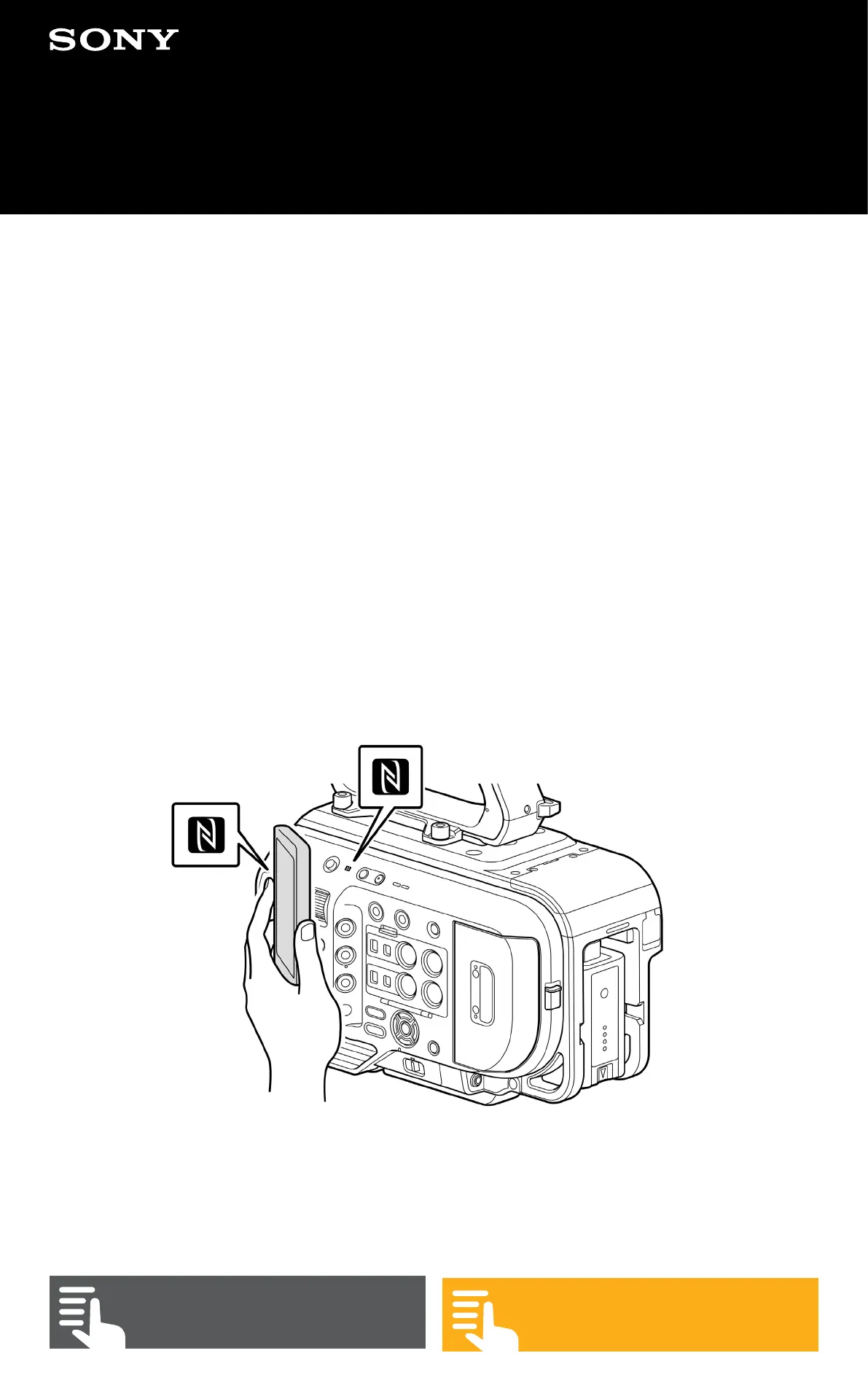
NFC. The simplest method is to use NFC if your mobile
device has this. Ensure that Wi-Fi and NFC are enabled
on the mobile device. Then go to (MENU: Network –
Wireless Lan – NFC) select Execute and place the mobile
device against the NFC symbol on the upper left side of
the camera. When the mobile device detects the camera,
the Content Browser Mobile app will open and you will be
prompted to enter the username and password for the
camera that you set previously.


 To Next Page