Contents
52
Section Index
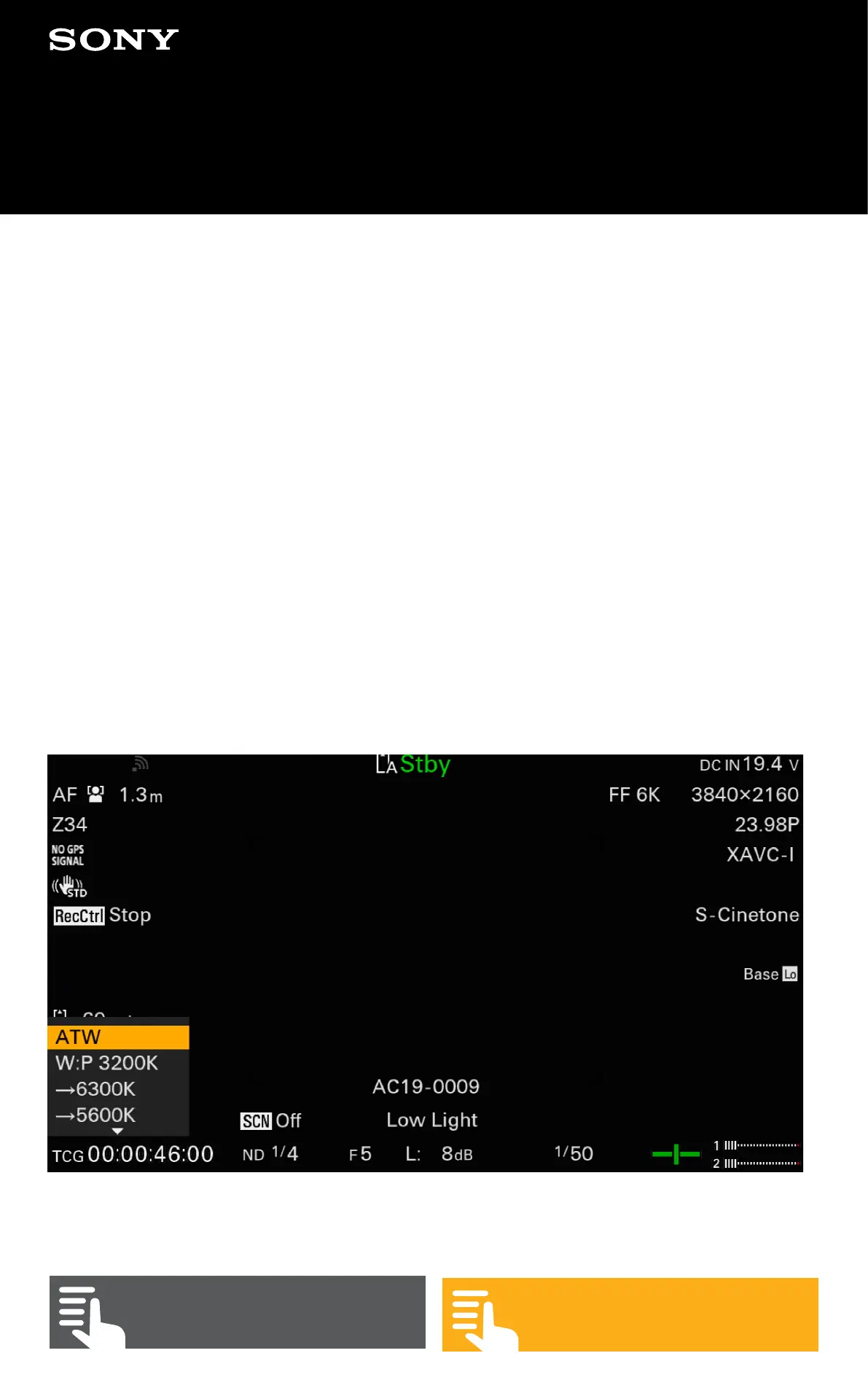
G1. Preset White Balance
The white balance can be fixed to a fix value that is
selected when the WHT BAL switch is set to Preset. To
change the preset value set the switch to Preset and go to
(MENU: Shooting – White – Preset White) and select the
desired colour temperature.
It is possible to manually enter a white balance colour
temperature setting into the WHT BAL switch A and B
positions. To do this go place the switch into either the A
or B position and go to (MENU: Shooting – White – Color
Temp <A>) or (MENU: Shooting – White – Color Temp
<B>) and set the desired colour temperature.
G. White Balance and Tint


 To Next Page