About this Help
This section explains how to use AX Remote Editor.
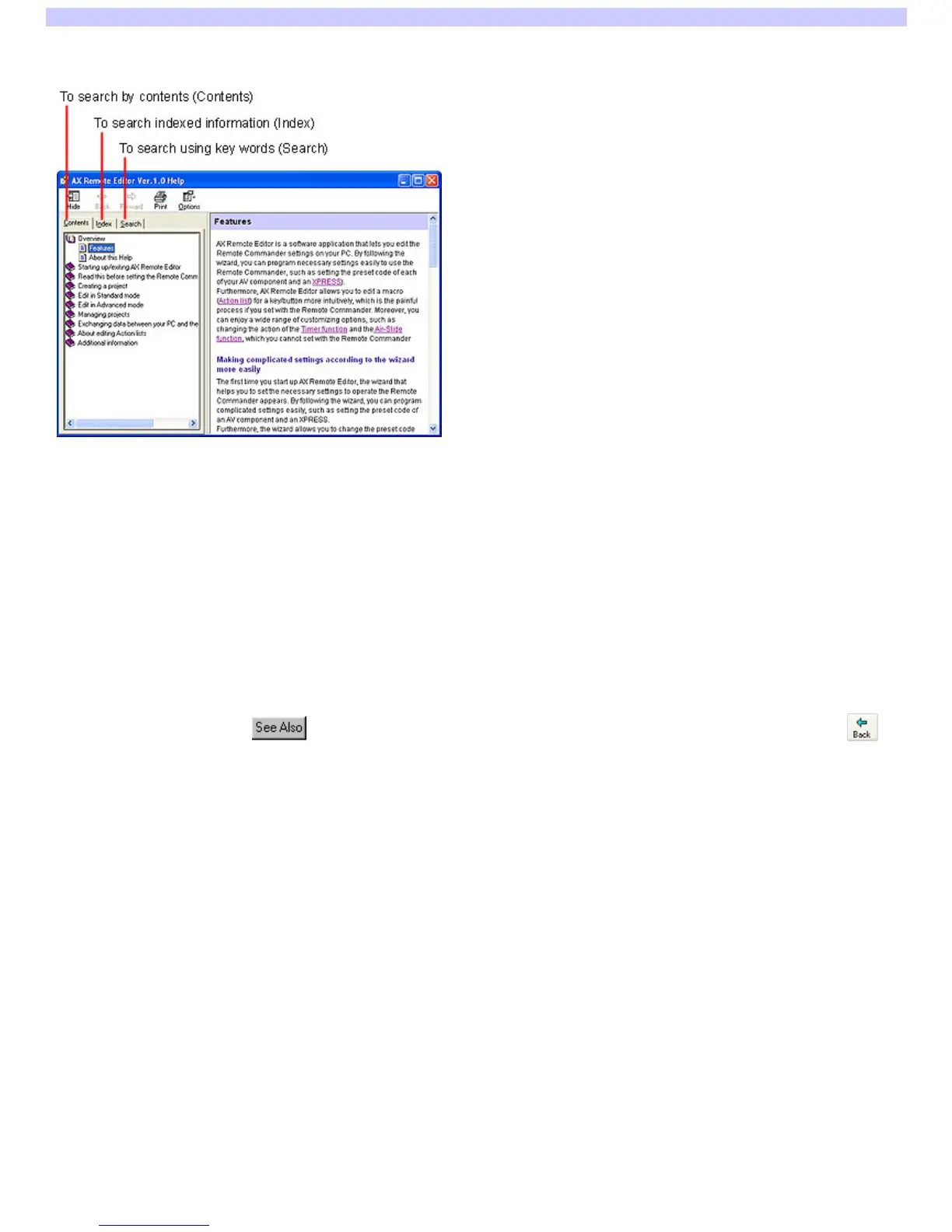
With Help, you can find information on a specific topic by clicking on the "Contents" tab, for the table of contents; or the "Index" tab, for an indexed list of
keyw ords; or the "Search" tab, for typing in keyw ord(s) to perform a search.
To search by contents (Contents)
When you select the "Contents" tab on the left side, the table of contents (Contents) w ill appear. The topic titles are listed on the left side (e.g., "Starting up AX
Remote Editor" and "Adding a component," etc.). When you click on a topic, an explanation of that topic appears to the right.
To search indexed information (Index)
When you click the "Index" tab, a list of keyw ords appears on the left side. You can type in the first few letters of a keyw ord in the "Type in the keyw ord to
find" field (or select a keyw ord from the list) then click "Display," and the explanation relating to the keyw ord is show n to the right.
To search using key words (Search)
When you click the "Search" tab, "Search" w ill be displayed on the left side. If you enter a w ord or phrase into the "Type in the keyw ord to find" field and click
"List Topics," a list of items containing the w ord(s) w ill appear on the left side. If you click an item on this list, the explanation w ill be show n to the right.
The entered w ord(s) is highlighted in the explanation.
To toggle between related information and the currently viewed explanation
When you click on underlined text or , you can see detailed information of the topic on the right side. To return to the previous screen, click at
the top of the w indow . The previous screen reappears.
Page 2



 To Next Page