Advanced Remote Operations
7
GB
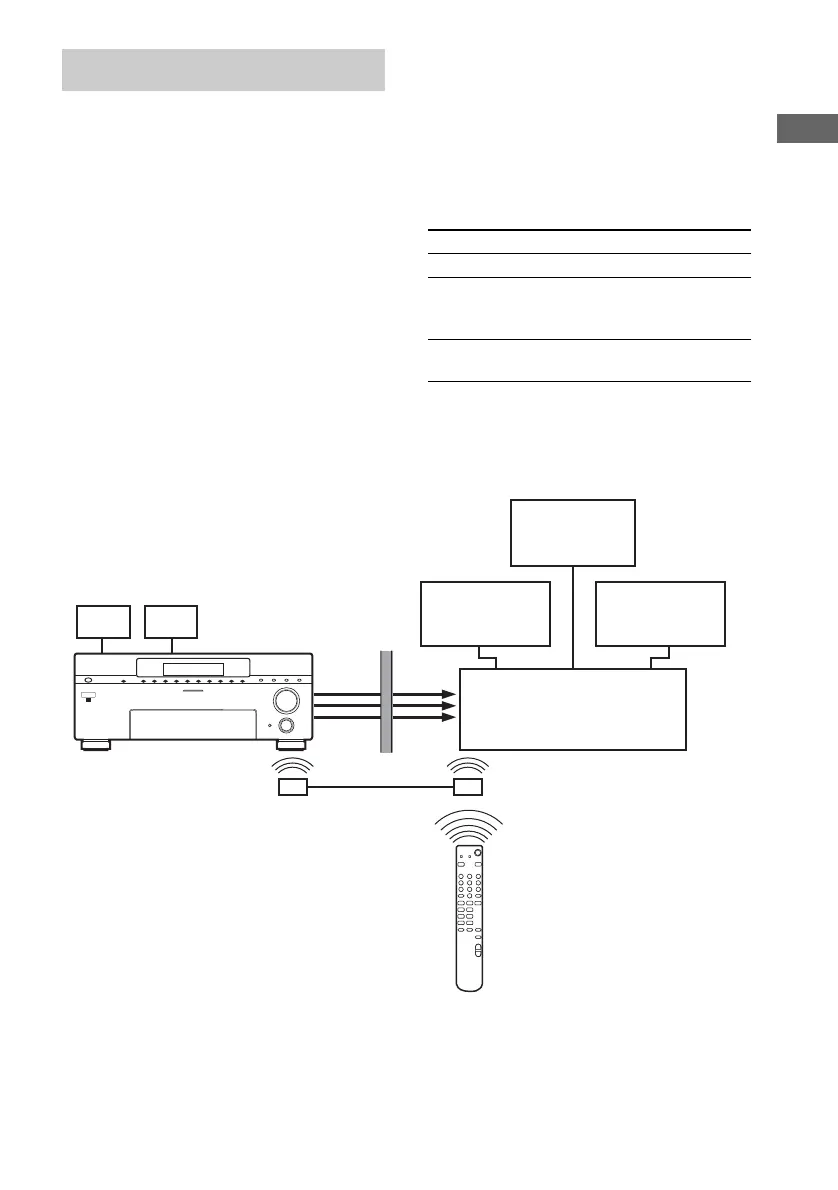
When using a Sony receiver as an amplifier in
the 2nd (or 3rd) zone and it is connected to the
main receiver (STR-DA9000ES/STR-
DA5000ES/STR-DA3000ES) using an IR
repeater (not supplied) as shown below, the
following operations are possible.
The 3rd zone operation is for STR-DA5000ES
and STR-DA9000ES only.
• Switching the output source for the 2ND (or
3RD) ZONE OUT jacks.
• Switching the Sony receiver’s power on or off
in the 2nd (or 3rd) zone.
• Adjusting the volume of the Sony receiver in
the 2nd (or 3rd) zone.
Perform the following operation to set the
command mode of the remote to 2ND ZONE or
3RD ZONE.
Press 2ND ZONE or 3RD ZONE.
The command mode has been set to the 2nd or
3rd zone mode.
Example of controlling the amplifier in the
2nd room
2nd (3rd) zone operations
To Do the following
Turn the power on or off Press ?/1.
Listen to the sound of the CD
player connected to the CD
input jacks
Press CD/SACD,
then press H.
Adjust the volume Press MASTER
VOLUME +/–.
2ND
(3RD)
ZONE
OUT
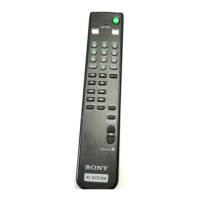
RM-US106
+
–
Mm
+–
>.
xX
N
n
STR-DA9000ES
STR-DA5000ES
STR-DA3000ES
Audio/video components
Main receiver
2nd (or 3rd) zone
IR repeater
(not supplied)
IR repeater
(not supplied)
Monitor
(2nd zone only)
Speaker
Speaker
Amplifier


 To Next Page