4-2
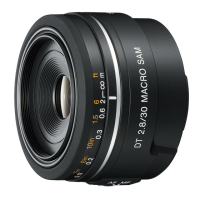
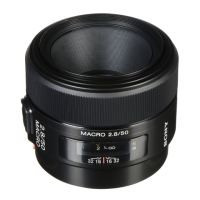
SAL50M28 (MACRO 2.8/50) (50mm F2.8 Macro)
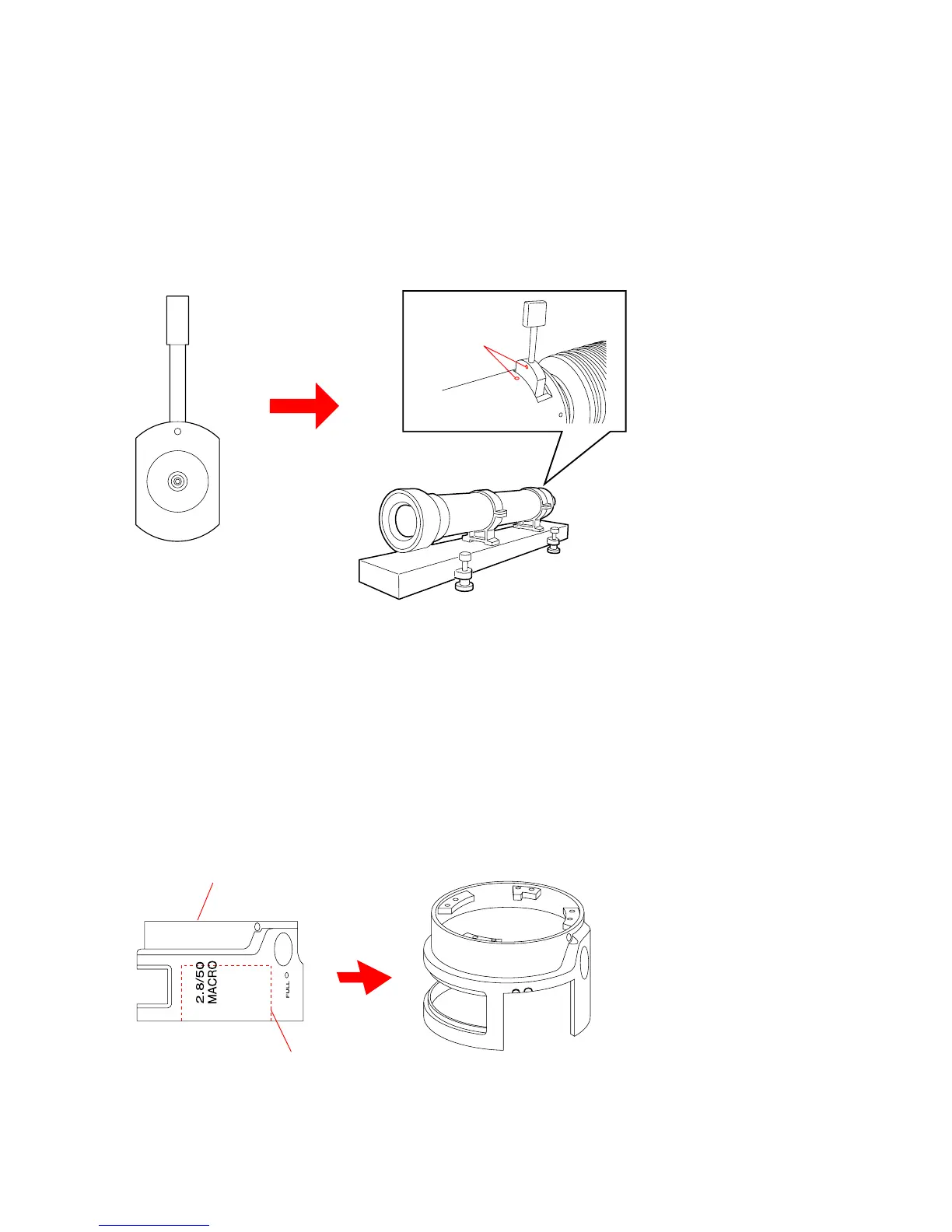
Align the marks
1000 mm collimator
Chart
Note 1: Personal Computer (PC)
(Color Calculator 2 installed)
OS: Windows2000 Professional/XP
MEMORY: 40 M Byte or more recommended
Hard disk free area: 15 M Byte or more recommended
USB terminal: Standard equipment
Graphics: 32,000 colors or more recommended VGA monitor
Note 2: Attach the chart to the 1000 mm collimator as shown in Fig. 4-1-2.
Fig. 4-1-2
Note 3: Connect the variable transformer (Output voltage: AC 100 V) to the lens test projector.
Note 4: Modify the outer barrel as follows to make the outer ring jig.
Required Part
Outer barrel: 2-684-206-01
Making Method
1) Chop off the outer barrel as shown in Fig. 4-1-3.
Fig. 4-1-3
Outer Barrel
Chop off


 To Next Page