4-10
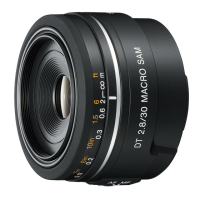
SAL50M28 (MACRO 2.8/50) (50mm F2.8 Macro)
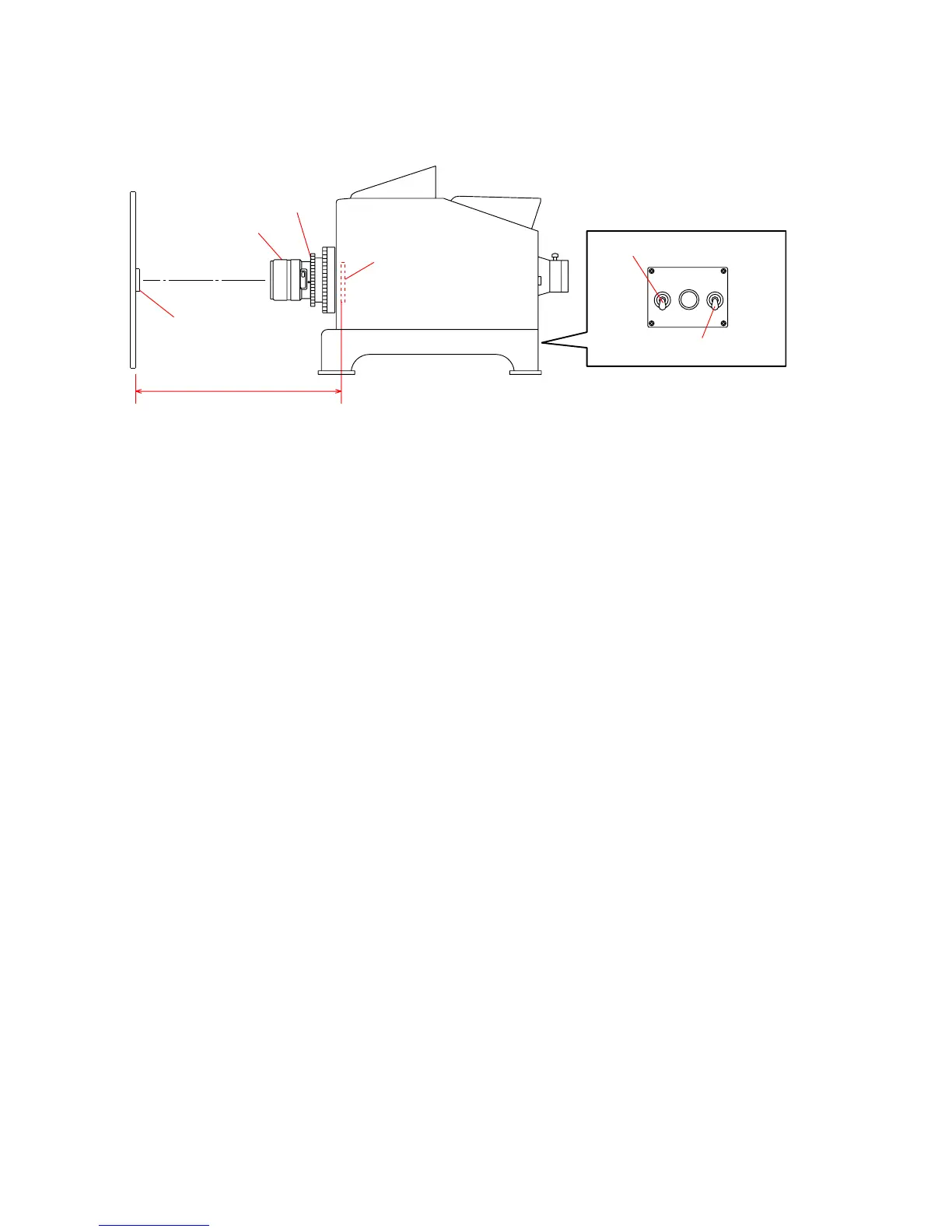
2) Attach the checking lens to the lens test projector, and set the equipments as shown in Fig.4-3-2.
3) Turn the fan switch of the lens test projector to ON, then turn the lamp switch to ON.
Fig.4-3-2
4) Turn the focus ring of the checking lens until the chart image projected on the screen is the sharpest at the center (y’=0).
5) Set the plane mirror to the center of the projected image (y’= 0), and adjust the projector position so that the mirror reflects the light
to the center of the lens.
Distance
Lens test projector
Chart
Fan switch
Lamp switch
Plane mirror
Screen
A-mount attachment
Checking lens
F L


 To Next Page