US
23
Installing the network adaptor
in the PlayStation
®
2 console
Caution
For safety reasons, do not connect the power plug for the
PlayStation®2 console to an electrical outlet until installation
is completed.
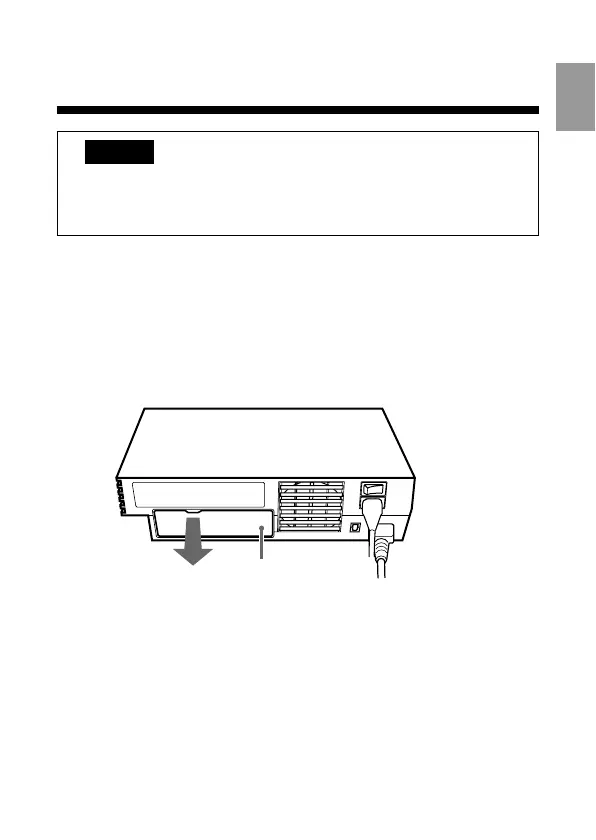
1 Remove the EXPANSION BAY cover from the
PlayStation®2 console rear.
Use the indentation at the top of the expansion bay cover as a
finger grip to help pull the cover free from the console.
After removing, keep the cover in a safe place for future use.
EXPANSION BAY cover
PlayStation®2
console rear



 To Next Page