32
Using the network adaptor (continued)
Connecting to a telephone line
You can connect to a network through a telephone line
by inserting a telephone cord into the LINE connector on
a network adaptor (Ethernet/modem) (for
PlayStation
®2) installed in the PlayStation®2 console.
1 Install the network adaptor in the PlayStation®2
console.
For details see “Installing the network adaptor in the
PlayStation
®2 console” (page 23).
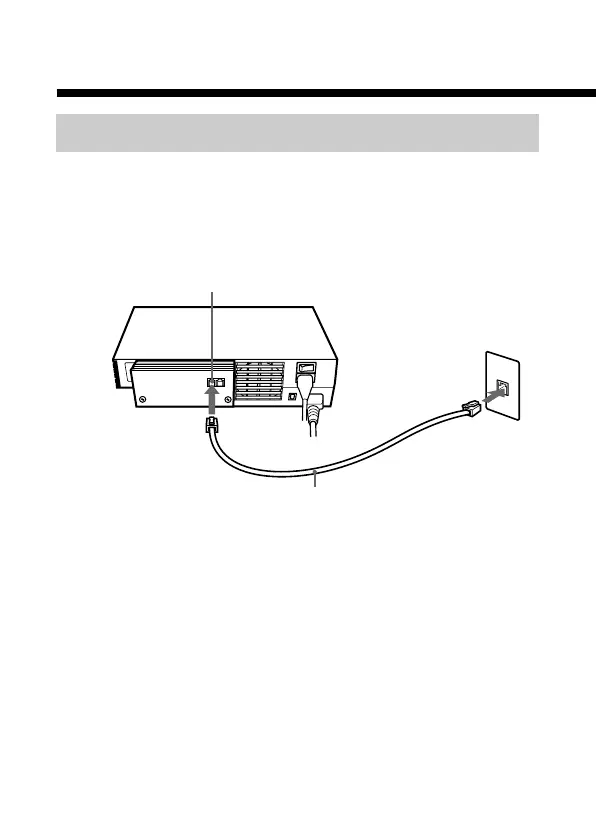
2 Insert a telephone cord (not included) into the LINE
connector of the network adaptor.
LINE connector
Telephone cord
Telephone
wall jack



 To Next Page