17
GB
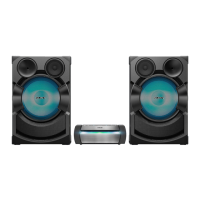
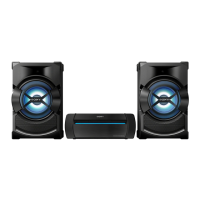
Positioning the
speakers
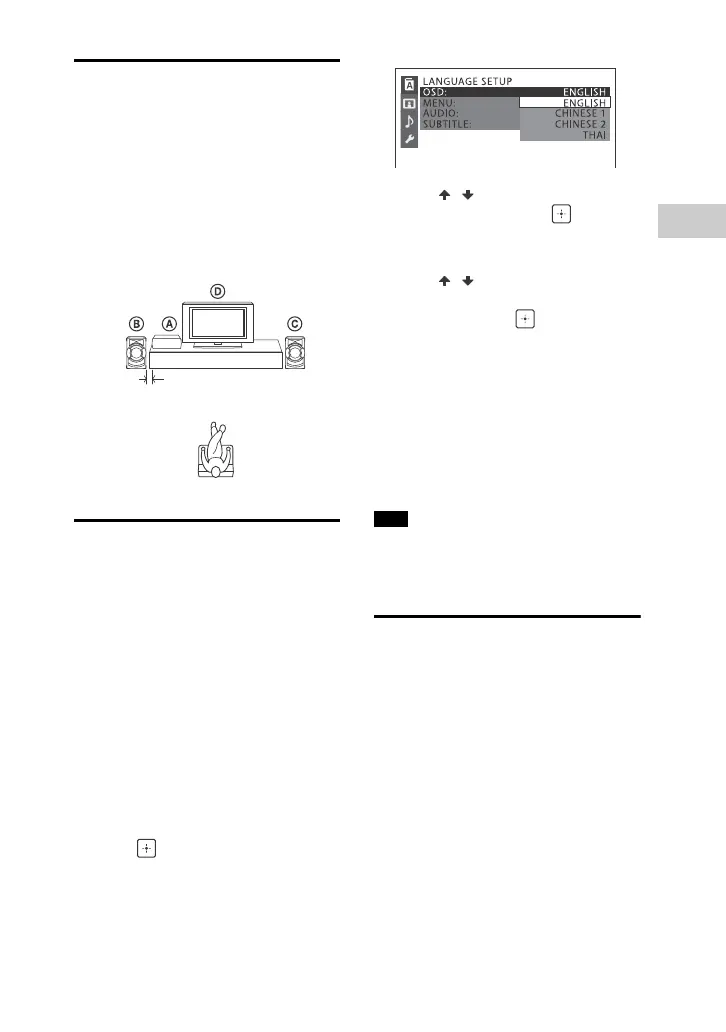
To obtain optimum performance from
the system, we recommend you to
place the speakers as shown below.
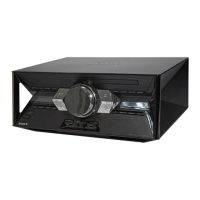
Unit
Speaker (left)
Speaker (right)
TV
Performing QUICK setup
Before using the system, you can make
the minimum basic adjustments in
QUICK setup.
1 Turn on your TV and select the
video input.
2 Press to turn on the system.
3 Press FUNCTION +/– repeatedly to
select “DVD/CD”, “USB 1”, or
“USB 2”.
The guide message [Press ENTER to
run QUICK SETUP.] appears at the
bottom of the TV screen.
4 Press without inserting a disc
or connecting a USB device.
[LANGUAGE SETUP] appears on the
TV screen. Displayed items may vary
depending on country or region.
5 Press / repeatedly to select a
language, then press .
[VIDEO SETUP] appears on the TV
screen.
6 Press / repeatedly to select
the setting that matches your TV
type, then press .
After [QUICK SETUP is complete.]
appears on the TV screen, the
system is ready for playback.
To change the setting manually
See “Using the Setup Menu” (page 27).
To quit QUICK setup
Press SETUP.
The guide message appears when you
turn on the system for the first time or
after performing “RESET” (page 51).
Changing the color
system
(Except for Latin American,
European, and Russian models)
Set the color system to PAL or NTSC
depending on the color system of your
TV.
Each time you perform the procedure
below, the color system changes as
follows:
NTSC PAL
Use the buttons on the unit to perform
this operation.
Note


 To Next Page