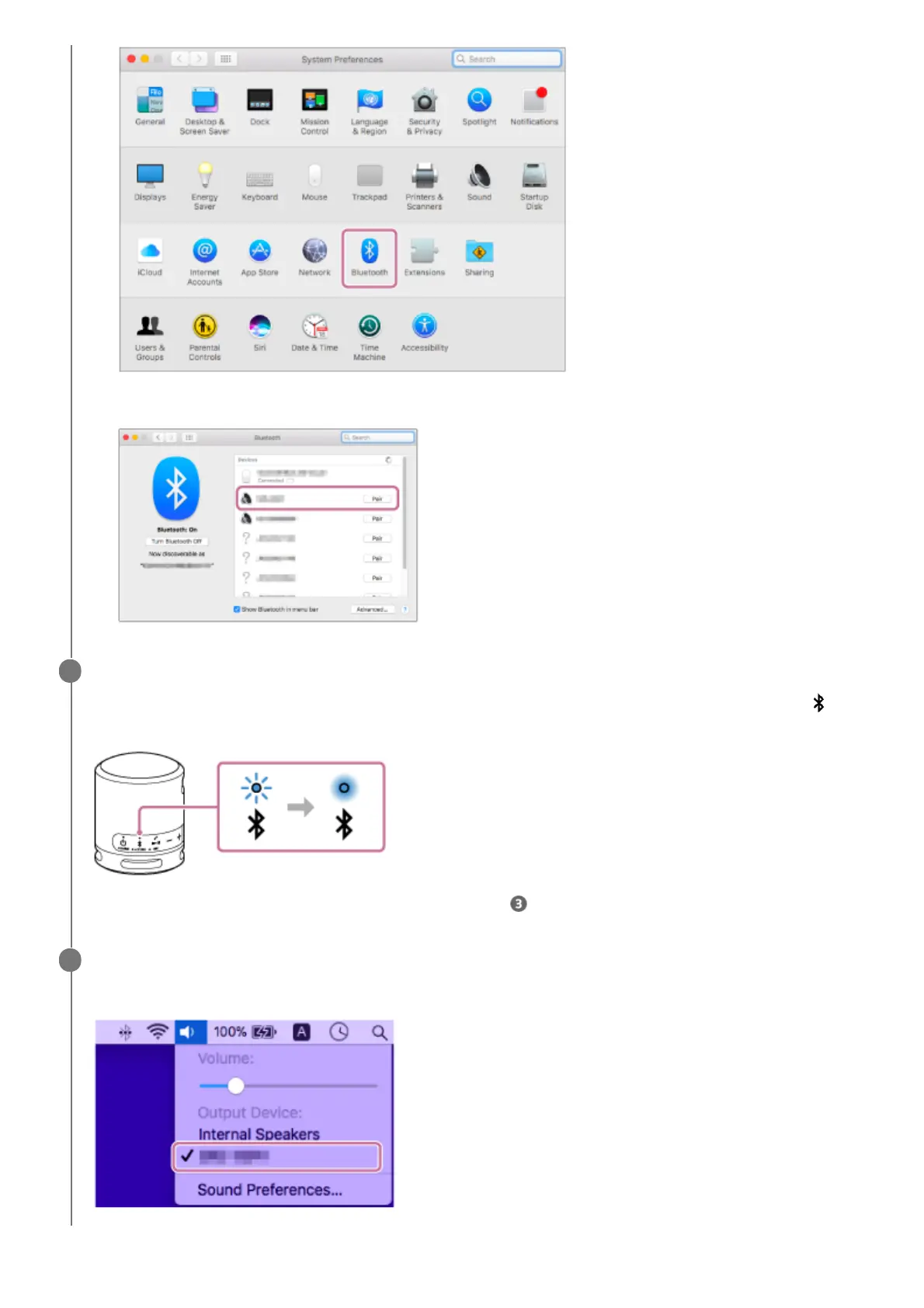
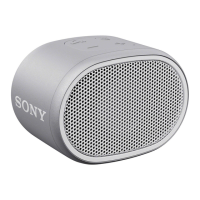
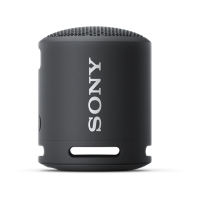
Select [SRS-XB13] from the Bluetooth screen, then click [Pair].2.
Follow the on-screen instructions to establish a BLUETOOTH connection.
When the BLUETOOTH connection is established, you hear a beep from the speaker and the activity of the
(BLUETOOTH) indicator changes from flashing to lit.
If the connection attempt fails, repeat the procedure from step .
5
Click the speaker icon in the top-right of the screen and select [SRS-XB13] from [Output Device].
You can enjoy playing back music, etc. from your computer.
6


 To Next Page