3
Caution
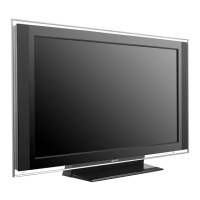
• This Wall-Mount Bracket is only for the specified Sony LCD Color TVs.
Do not use the bracket with a TV whose operating instructions do not specify
the use of this bracket.
• Be especially careful not to drop the TV when you install it high on a wall.
Installation
For the installation, have ready eight commercially available mounting screws,
anchor bolts, etc. that are appropriate for the wall.
The type and length of the screws required depend on the material and
strength of the wall. If you do not know which material your wall is made of,
consult qualified service personnel.
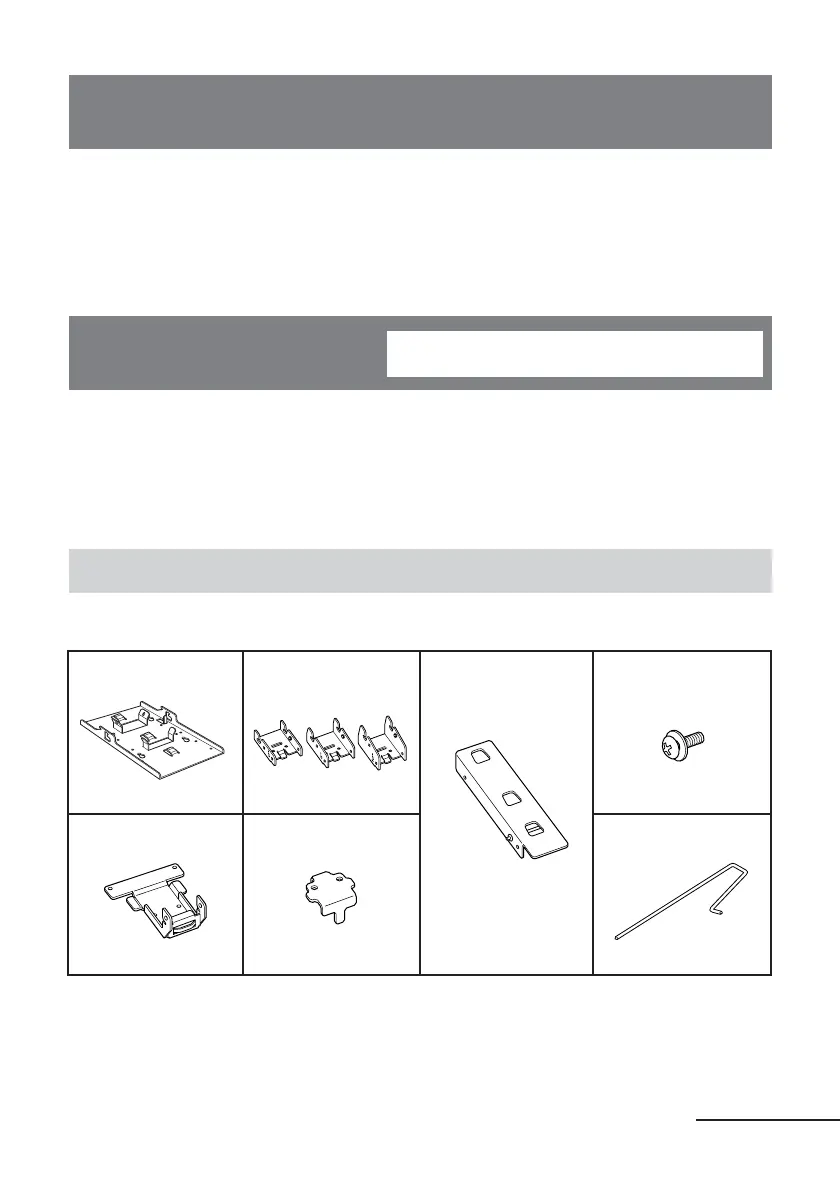
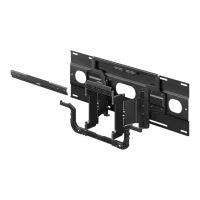
Step 1: Check the parts
Check all the parts are included in the package.
For qualified service personnel
Bracket A (1) Bracket C (3)
(0°, 5°, 10°)
Bracket E (1) Screw (6)
(with washer)
Bracket B (1) Bracket D (1) Locking rod (1)
continued



 To Next Page