20 Menu Adjustment
Sony KV-AR21M81 Group A2 (GB, FR, PR, AR)_4-095-979-14 (1)
x C
hanging the “Channel Setup”
setting
The “Channel Setup” menu allows you to preset channels automatically,
manually preset channels, select the TV system, label the program number and
block unwanted programs.
1
Press MENU.
2
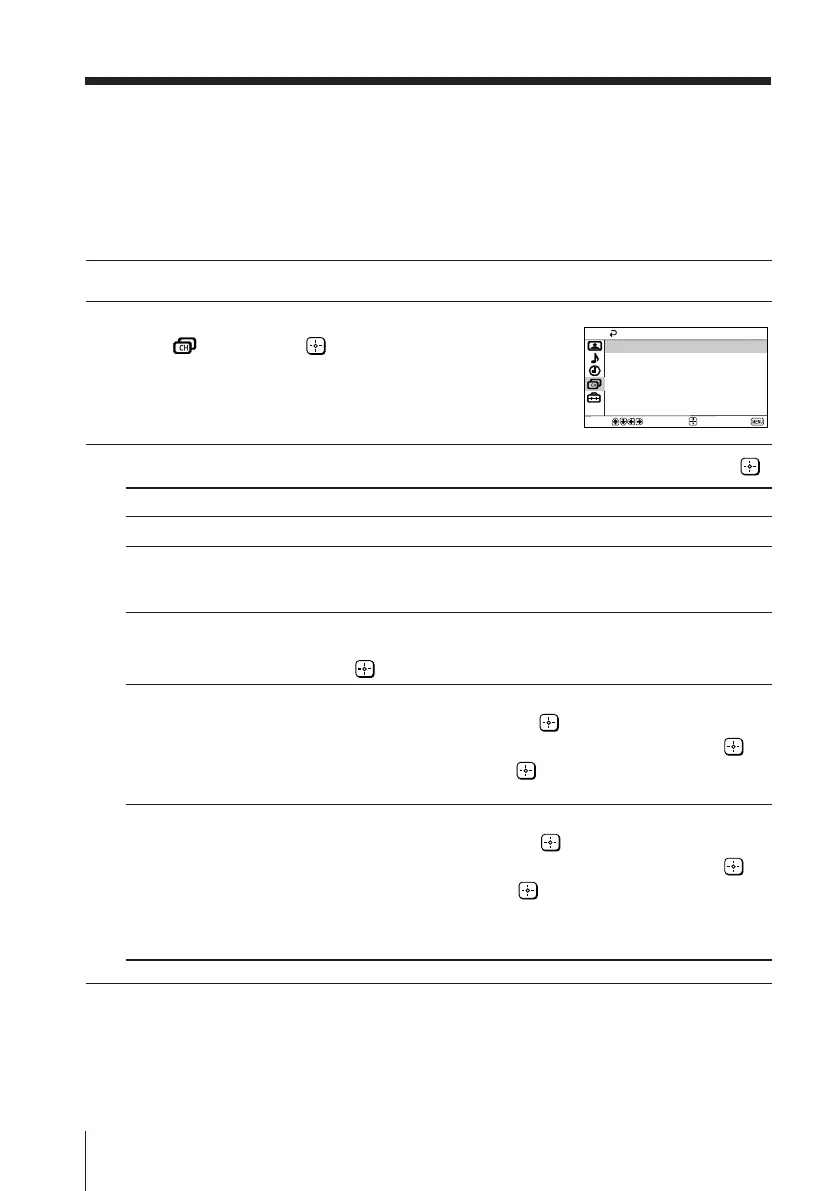
Press V or v to select the “Channel Setup”
icon (
), then press .
3
Press V or v to select the desired item (e.g., “Auto Program”), then press .
Select To
“Auto Program” preset channels automatically.
“Manual Program” manually preset desired channels and channels that cannot be
preset automatically (see Presetting channels manually on
page 21).
“TV System” select the TV system.
Press V or v to select either “B/G”, “I”, “D/K” or “M”, then
press .
“Program Label” label the program number.
(1) Select “Program” and press .
Press V or v to select the program number, then press .
(2) Select “Label” and press , then press V or v to select
alphanumeric characters for the label.
“Program Block” block unwanted programs.
(1) Select “Program” and press .
Press V or v to select the program number, then press .
(2) Select “Block” and press , then press V or v to choose
either “On” or “Off”.
If you preset a locked program number, that program number
will be unlocked automatically.
Note
• During automatic channel presetting, your TV screen will indicate “B/G”, “I”, “D/K” or “M”
for the “TV System”.
Channel Setup
Program Block
Manual Program
Auto Program
Program Label
TV System:
B/G
Select
End
Confirm
01GB06ADJ-MIX.p65 7/8/03, 4:53 PM20












 To Next Page