Using the USB charger
Charging your device
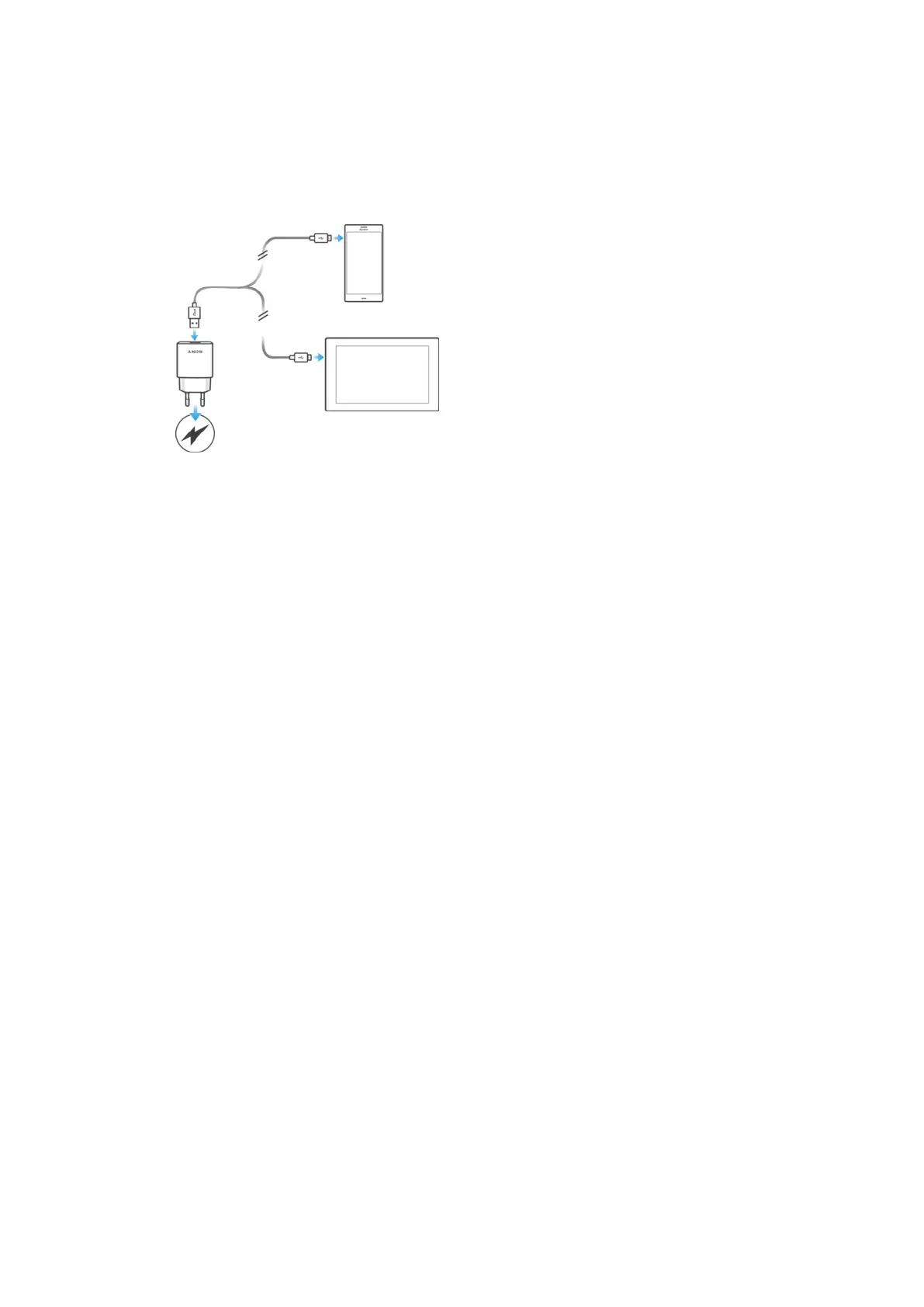
To charge your device using the USB Charger
1
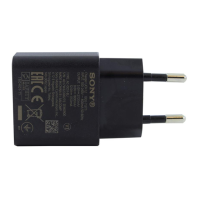
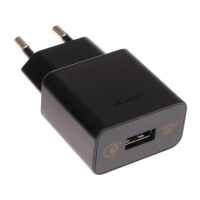
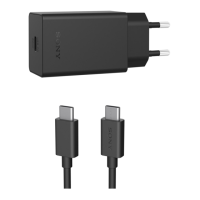
Plug the charger into a power outlet.
2
Plug one end of the USB cable into the charger.
3
Plug the other end of the cable into the micro USB port of your device. Your
device then starts to charge.
4
When the device is fully charged, disconnect the cable from your device by
pulling it straight outwards. Make sure not to bend the connector.
4
This is an Internet version of this publication. © Print only for private use.



 To Next Page