Using your charger
Char
ging
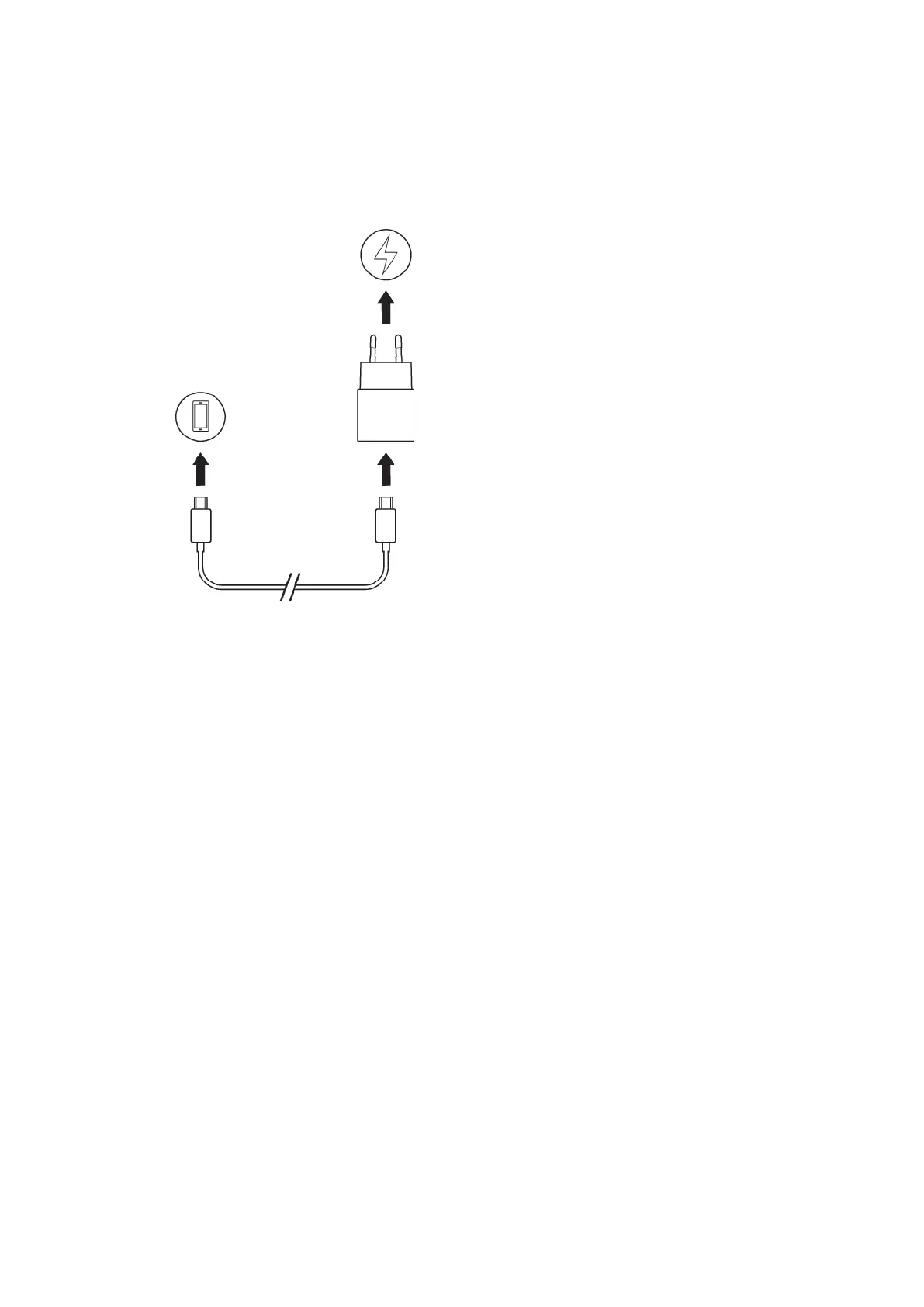
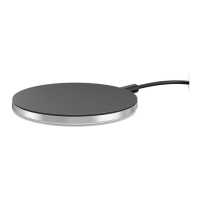
To charge your device using the charger
1 C
onnect one end of the USB Type-C cable to the USB port of your device.
2 Connect the other end of the cable to the charger.
3 Plug the charger into a power outlet. Your device battery then starts to charge.
4 When your device is fully charged, unplug the charger from the power outlet and
disconnect the cable from your device by pulling it straight outwards. Make sure
not to bend the connector.
4
Internet version. For personal use only.



 To Next Page