20
nN
Getting Started >
Using the Battery Pack
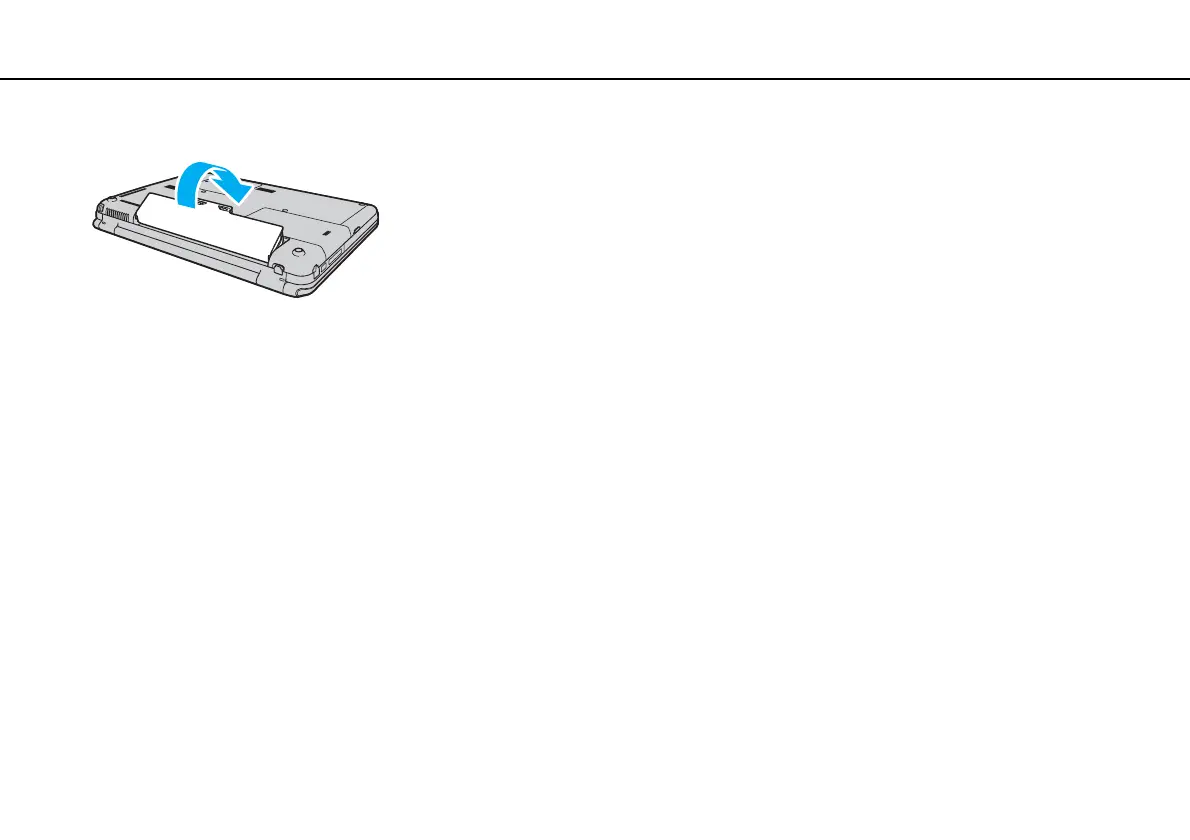
4 Push the battery pack down into the compartment until it clicks into place.
5 Slide the battery LOCK switch outward to secure the battery pack on the computer.
✍
When your computer is directly connected to AC power and has a battery pack installed, it uses power from the AC outlet.
!
Certain rechargeable batteries do not meet Sony quality and safety standards. For safety reasons this computer only functions with genuine Sony
battery packs designed for this model. If an unauthorized battery pack is installed, the battery will not be charged and the computer will not function.


 To Next Page