28
nN
Using Your VAIO Computer >
Using the Keyboard
Using the Keyboard
Your keyboard has additional keys that perform model-specific tasks.
Combinations and Functions with the Fn Key
✍
Some keyboard functions can be used only after the operating system is finished launching.
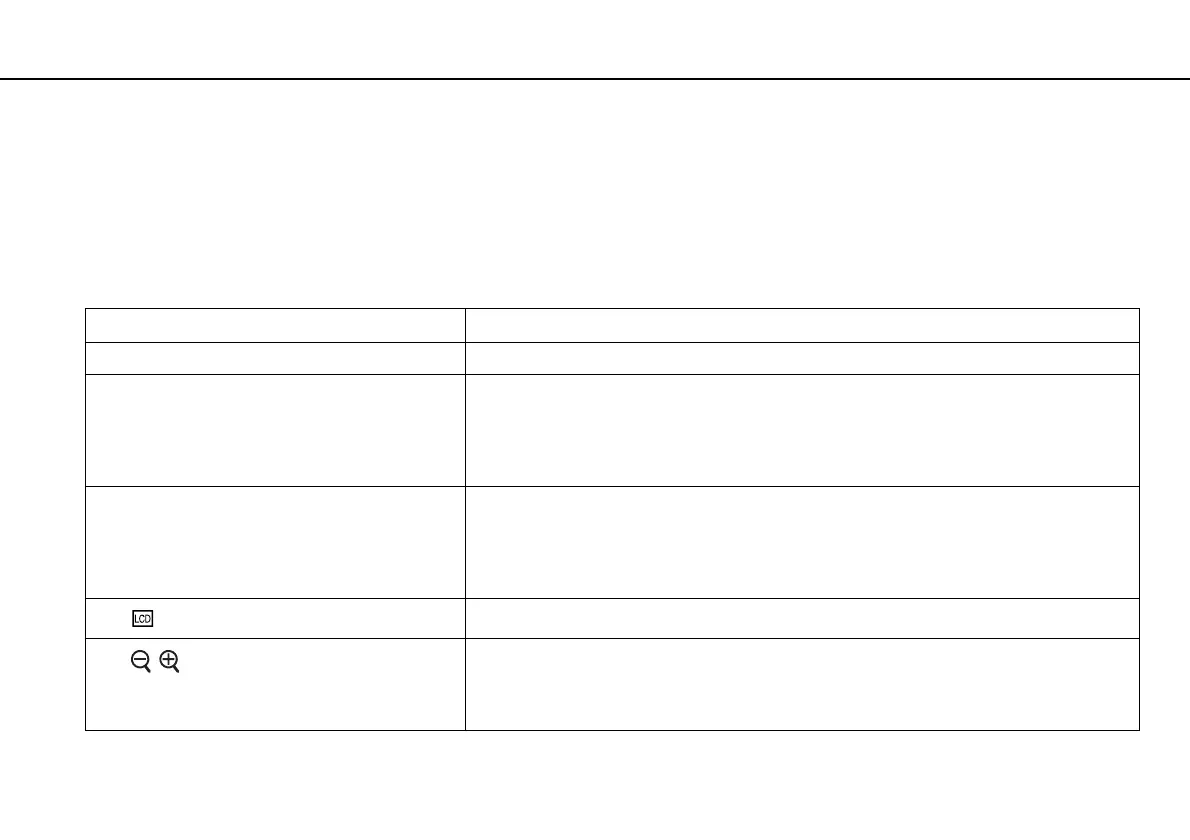
Combinations/Feature Functions
Fn + % (F2): speaker switch Turns on and off the built-in speakers and the headphones.
Fn + 2 (F3/F4): speaker volume Changes the volume level.
To increase the volume, keep pressing the Fn+F4 keys or press the Fn+F4 keys and then the
M or , key.
To decrease the volume, keep pressing the Fn+F3 keys or press the Fn+F3 keys and then the
m or < key.
Fn + 8 (F5/F6): brightness control Changes the LCD brightness of your computer screen.
To increase lighting intensity, keep pressing the Fn+F6 keys or press the Fn+F6 keys and then
the M or , key.
To decrease lighting intensity, keep pressing the Fn+F5 keys or press the Fn+F5 keys and then
the m or < key.
Fn + /T (F7): display output
Toggles among your computer screen, an external display, and simultaneous output to both.
Fn + / (F9/F10): zoom
Changes the size of an image or a document displayed on some software.
To make the view look smaller and further away (zoom out), press the Fn+F9 keys.
To make the view look bigger and closer (zoom in), press the Fn+F10 keys.
See the help file included with the VAIO Control Center for more information.



 To Next Page