92
nN
Precautions >
Handling Your Computer
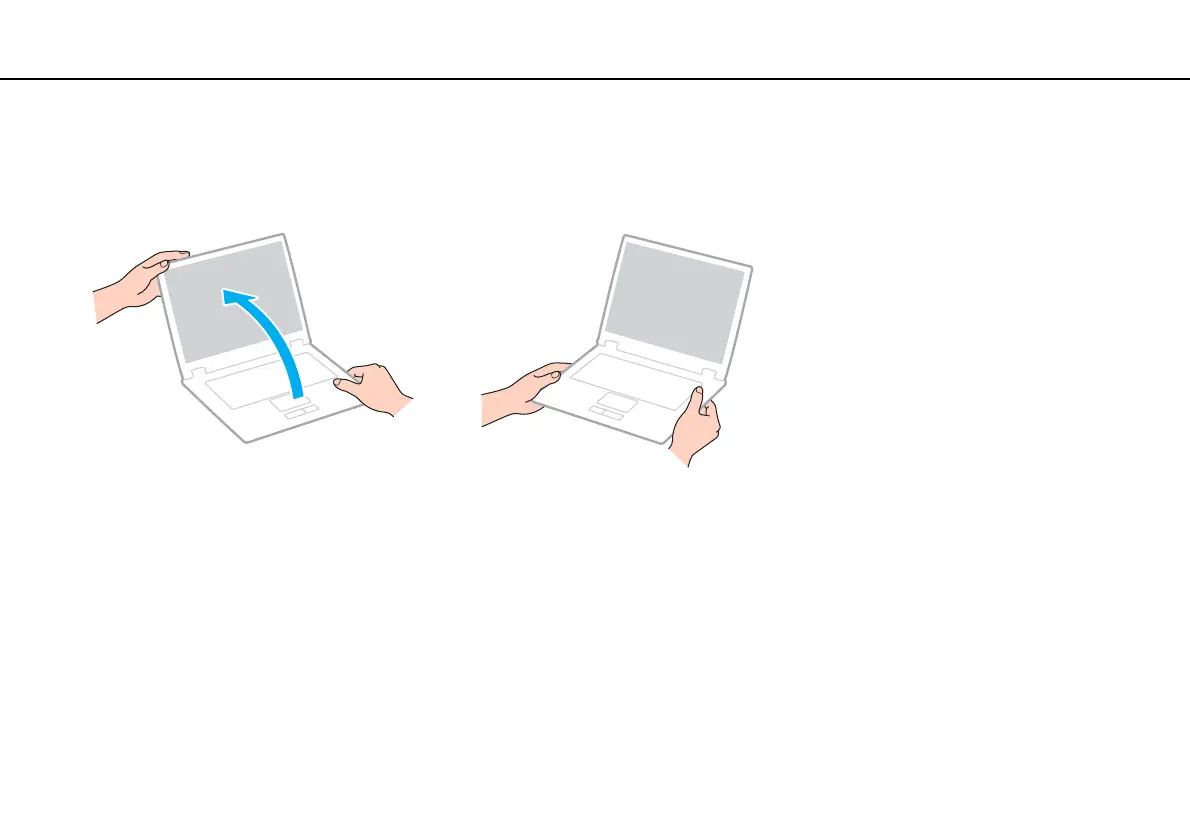
❑ Do not exert pressure on the LCD screen or its edges when opening the LCD screen lid or lifting your computer. The LCD
screen may be sensitive to pressure or added stress, and exerting pressure may damage the screen or cause it to
malfunction. To open the computer, hold the base with one hand and gently lift the LCD screen lid with the other. To carry
the computer with the lid open, be sure to hold the computer with both hands.
❑ Use a carrying case specially designed to carry your computer.








 To Next Page