7
Playing a CD
You can also use rechargeable batteries and dry batteries as a power source.
to an AC outlet
(Continued)
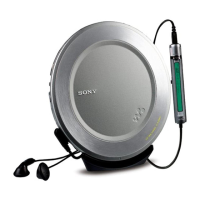
1. Connect your CD player.
1 Connect the AC power adaptor.
2 Connect the headphones/earphones
with remote control.
For models supplied with the AC plug
adaptor
If the AC power adaptor does not fit the AC
outlet, use the AC plug adaptor.
For models supplied with the remote
control
• Connect the plug of the headphones/
earphones to the remote control.
• Connect the headphones/earphones to
the remote control firmly. A loose
connection may cause noise during
playback.
AC power
adaptor
to i (headphones)
Headphones
or
Earphones
> N
button
to EXT BATT/DC IN 4.5V
Playing a CD
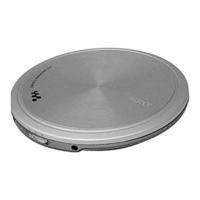
2. Insert a CD.
1 Slide OPEN to open the CD
player lid.
2 Place the CD on the tray and close
the lid.
OPEN switch
Label side up



 To Next Page
