WALKMAN User Guide
Print
Getting Started
How to Use the Software
Music
“SensMe™ Channels”
Videos/Podcasts/Photos
FM Radio
Making/Playing Voice
Recordings
Timer
Settings
Troubleshooting
Important Information
Specifications
Contents list
Top page > Making/Playing Voice Recordings > Making Voice Recordings > Making voice
recordings
Making voice recordings
You can record voice using the player’s built-in microphone and play back the recorded voice
files. Files are recorded in MP3 format.
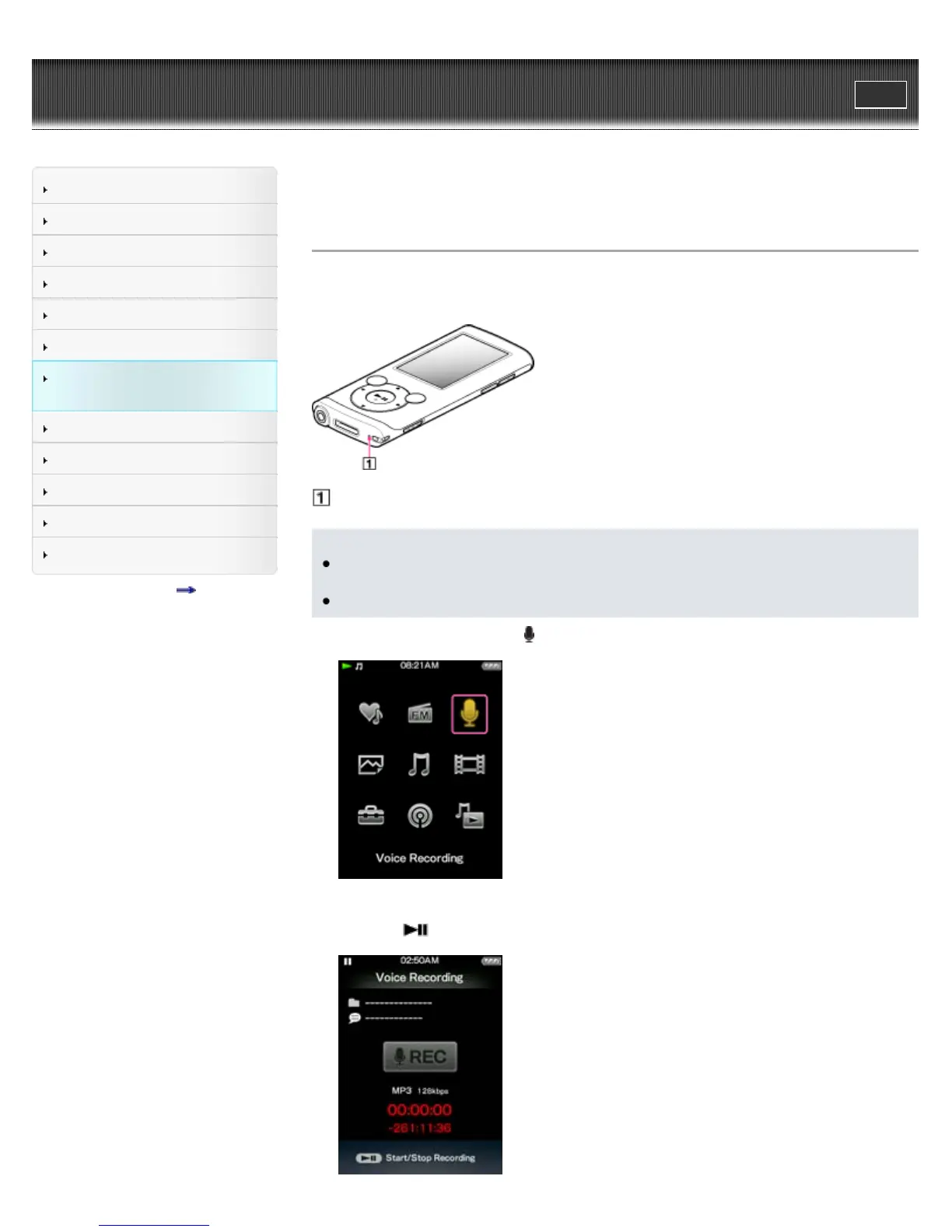
Microphone
Note
If the [Set Date-Time] setting is not accurate, the date folder may not be named correctly.
Set the current date and time before recording [Details].
During recording, you cannot listen to sound from the headphones.
1. From the Home menu, select
[Voice Recording].
The [Voice Recording] screen appears and the player goes into record standby.
2. Press the
button.









 To Next Page