WALKMAN User Guide
Print
Getting Started
How to Use the Software
Music
“SensMe™ Channels”
Videos/Podcasts/Photos
FM Radio
Making/Playing Voice
Recordings
Timer
Settings
Troubleshooting
Important Information
Specifications
Contents list
Top page > Music > Music Settings > Customizing the surround sound [VPT(Surround)]
Customizing the surround sound [VPT(Surround)]
You can customize the surround sound by using the VPT (*1) (Surround) function to enrich the
sound reproduction quality of the audio playback. The sense of realism is increasingly enhanced
in the order of [Studio] [Live] [Club] [Arena] (most enhanced).
1. From the Home menu, select [Settings] [Music Settings] [VPT(Surround)]
desired VPT (Surround) type.
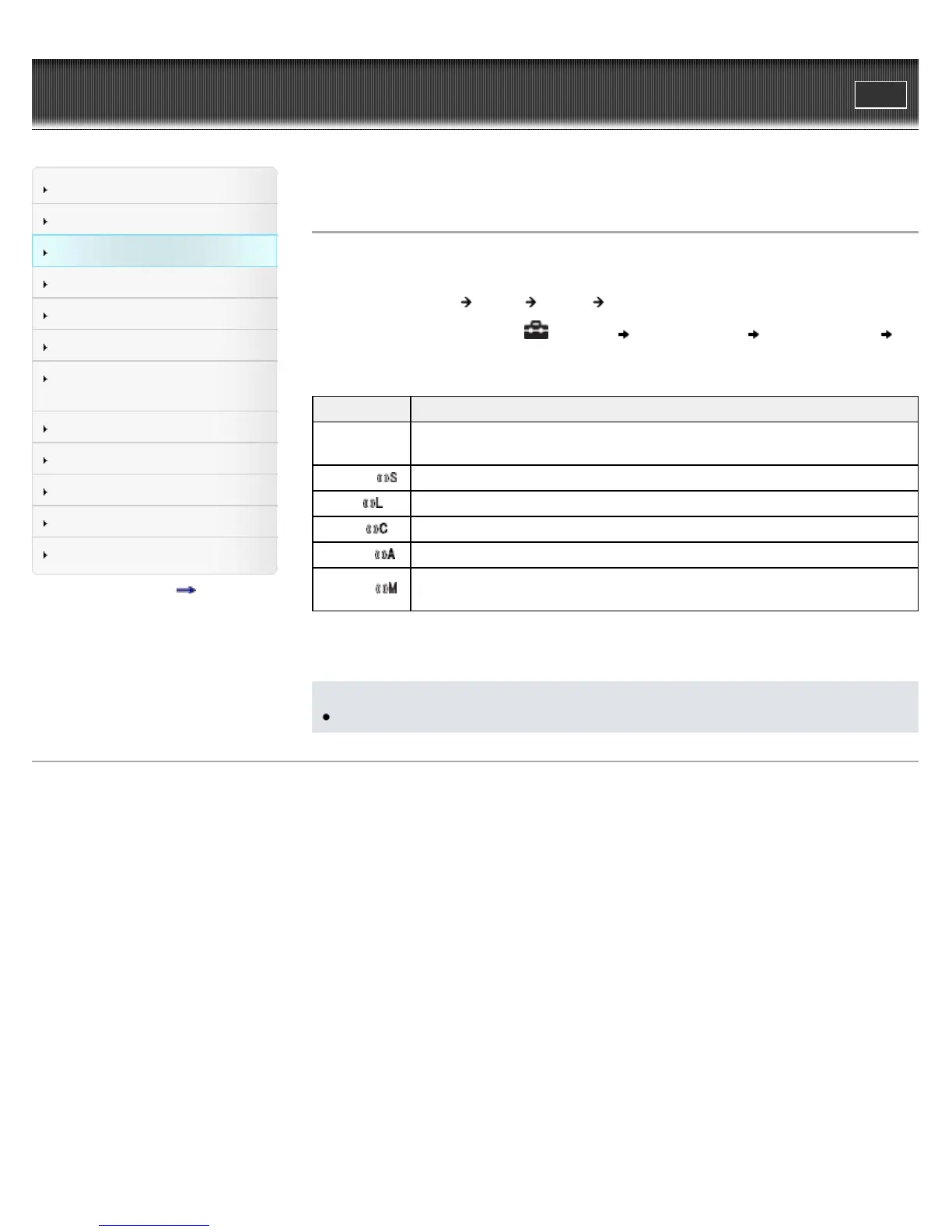
Type - icon Description
[None] - No
icon
[VPT(Surround)] setting is not activated. (Default setting)
[Studio] -
Creates the sound of a recording studio.
[Live] -
Creates the sound of a concert hall.
[Club] -
Creates the sound of a club.
[Arena] -
Creates the sound of an arena.
[Matrix] -
Reproduces an additional surround effect, and creates a natural, yet richly
enhanced sound.
(*1) VPT, which stands for Virtualphones Technology, is a proprietary sound processing technology
developed by Sony.
Note
The [VPT(Surround)] setting is not applied while playing a video, FM radio or video podcast.
Back to top
Copyright 2010 Sony Corporation









 To Next Page