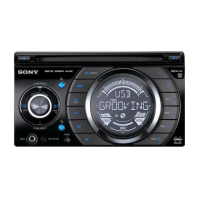
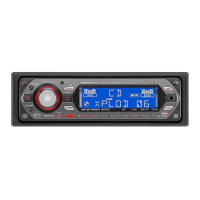
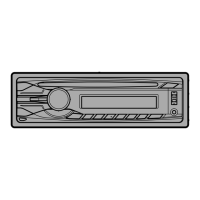
9
CD Player
Listening to a CD
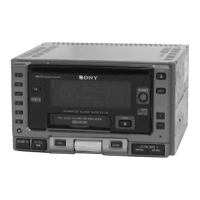
Simply insert the CD.
Playback starts automatically.
Labelled side up
If a CD is already inserted, press (SOURCE)
repeatedly until “CD” appears.
To Press
Stop playback (OFF)
Eject the CD CD Z
Note
If you leave the disc in the insertion slot for more
than 15 seconds after pressing CD Z, the disc will
reinsert automatically to protect the disc.
Changing the display item
Each time you press (DSPL), the item changes
as follows:
Track number/Elapsed playing time
Y
Clock
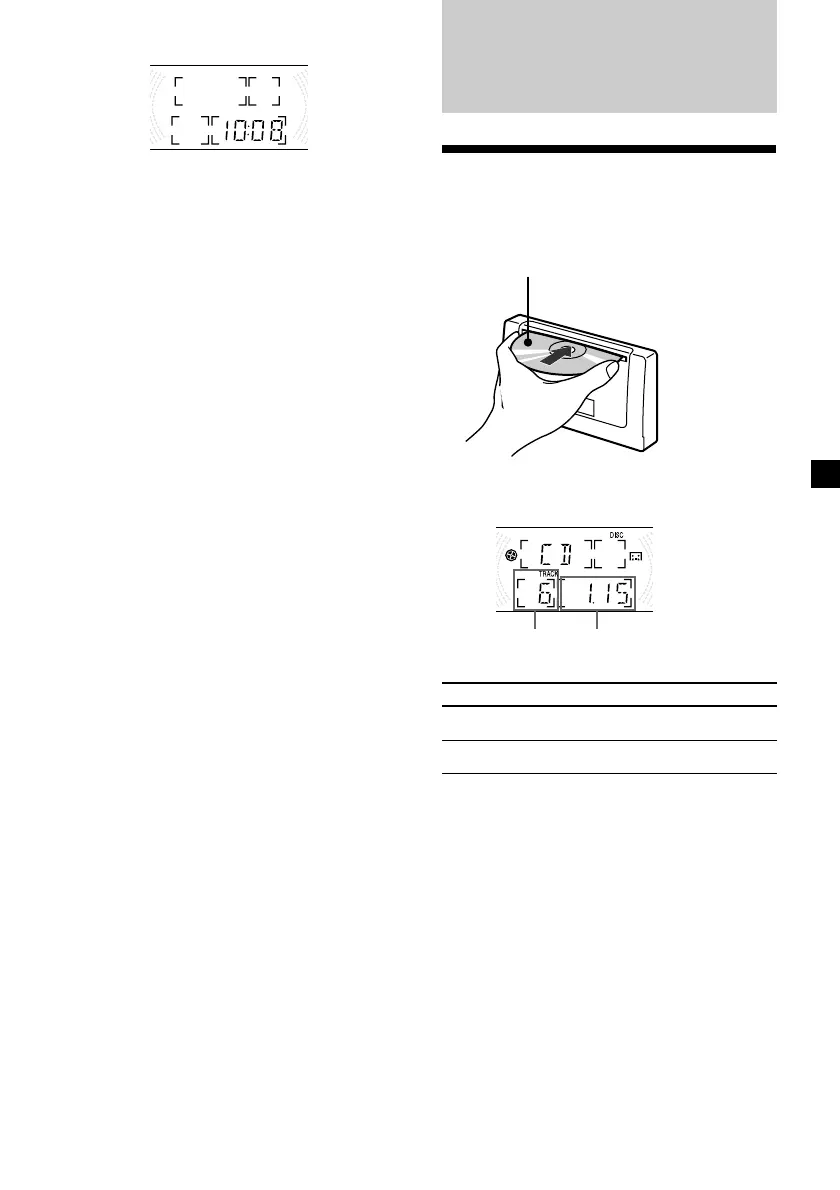
2 Press (DSPL).
The clock starts.
Note
If the POWER SELECT switch on the left side of the
unit is set to the B position, turn the power on
first by pressing (SOURCE), then set the clock.
Elapsed playing
time
Track number
continue to next page t


 To Next Page