Terminal Description
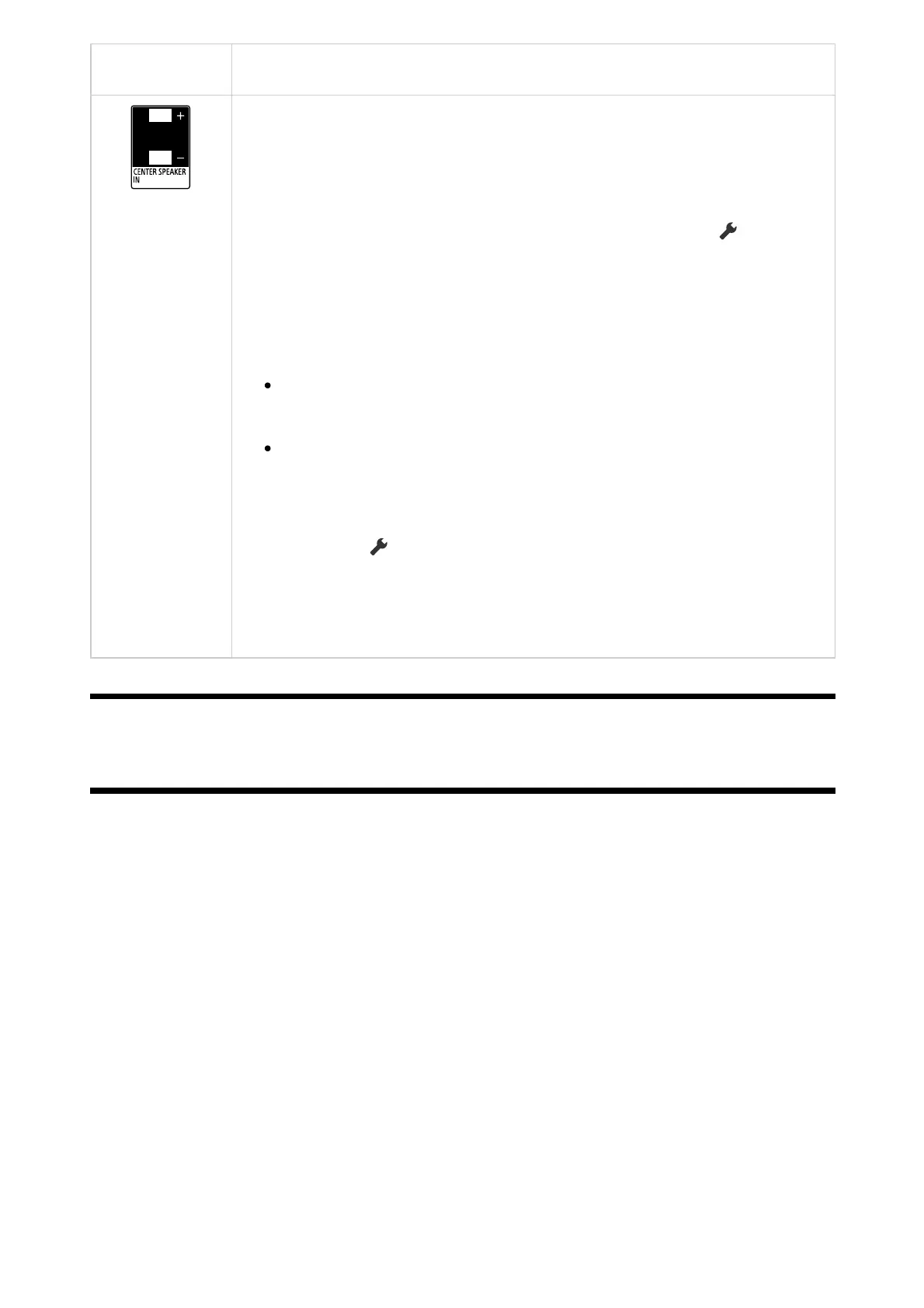
CENTER SPEAKER IN
To use your TV speakers as the centre speaker, connect the output of
your AV receiver to the CENTER SPEAKER IN on your TV.
To use your TV speakers as the centre speaker, press the (Quick
Settings) button on the remote control, then select [Settings] —
[Display & Sound] — [Audio output] — [Speakers] — [Audio system].
Note
Before connecting cables, disconnect the AC power cord (mains
lead) of both the TV and AV receiver.
If you do not use the CENTER SPEAKER IN terminal or the S-
CENTER SPEAKER IN input, change the following setting to
prevent noise from the speakers.
Press the (Quick Settings) button on the remote control, and
disable [TV centre speaker mode] in [Settings] — [Display &
Sound] — [Audio output].
[4] Getting Started
How the LEDs light up
You can check the status of the TV by looking at how the LEDs light up.
The location of the LEDs varies by model.



 To Next Page