However, the LED may not turn on depending on the settings.
The built-in MIC may not be available depending on your region/model/language.
Related topics
Using the built-in MIC on the TV (only TVs with a built-in MIC)
You want to disable the LED so that it does not light up or blink.
Home network features
Software updates
[5] Getting Started
Home menu
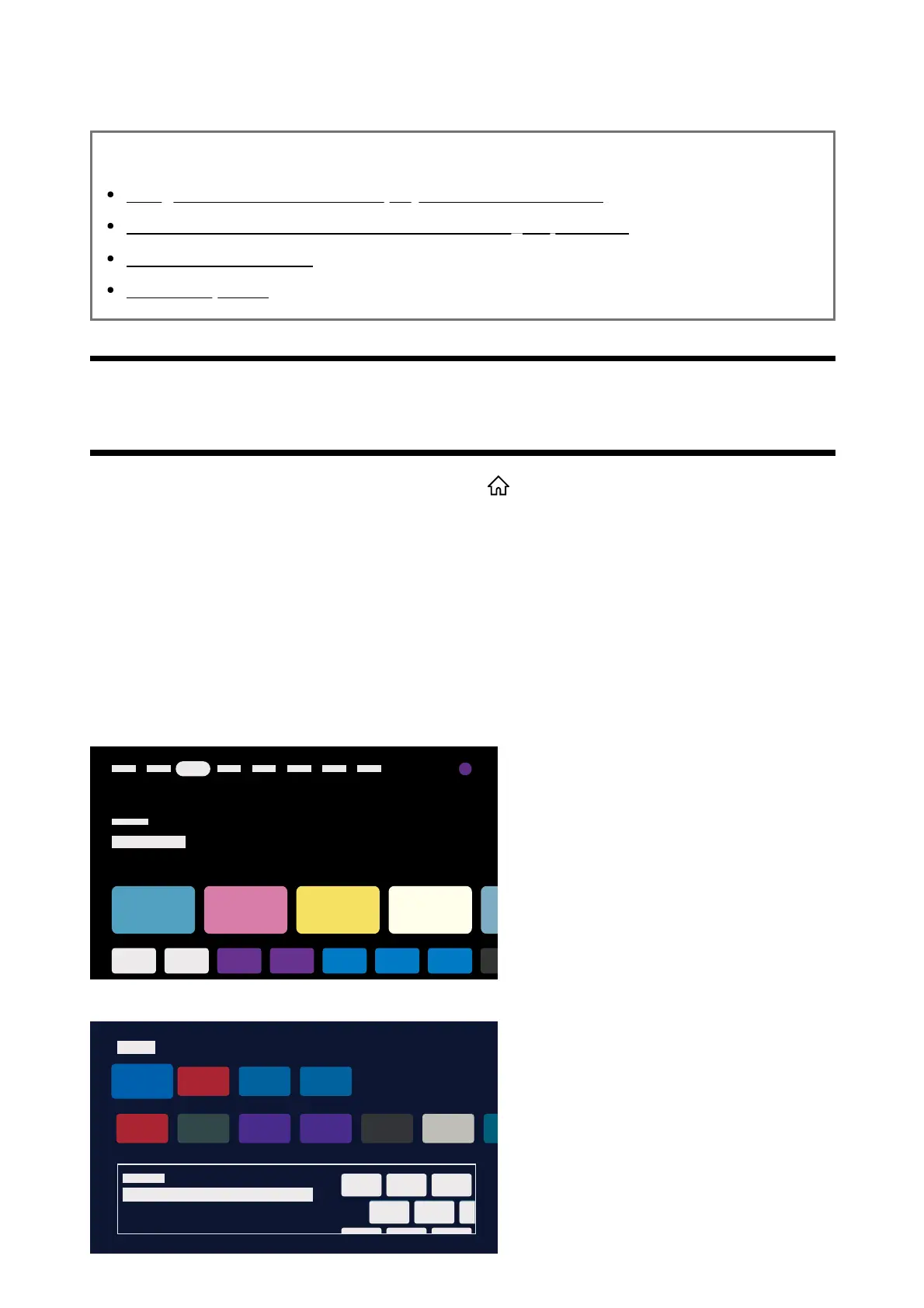
The screen displayed when you press the HOME/ (HOME) button on the remote control is
called the Home Menu. From the Home Menu, you can search for content and select
recommended content, apps, and settings.
The items displayed on the Home Menu depends on whether a Google Account has been
setup on the TV.
(Some features do not apply depending on your model/region/country. The images are for
reference only. They may differ from the actual screen.)
(A) The Home Menu when a Google Account is setup on the TV
(B) The Home Menu when a Google Account is not setup on the TV
*



 To Next Page