Sound customisation
Adjust the sound quality for each sound mode in models with Sound mode.
For details, refer to “Sound” advanced settings.
Volume level
Adjust the sound level of current input.
For details, refer to “Sound” advanced settings.
Advanced auto volume
Keeps the volume level constant for all programmes and inputs.
For details, refer to Advanced auto volume.
Balance
Adjust the speaker balance.
For details, refer to Balance.
TV position
Change [TV position] based on the TV Installation.
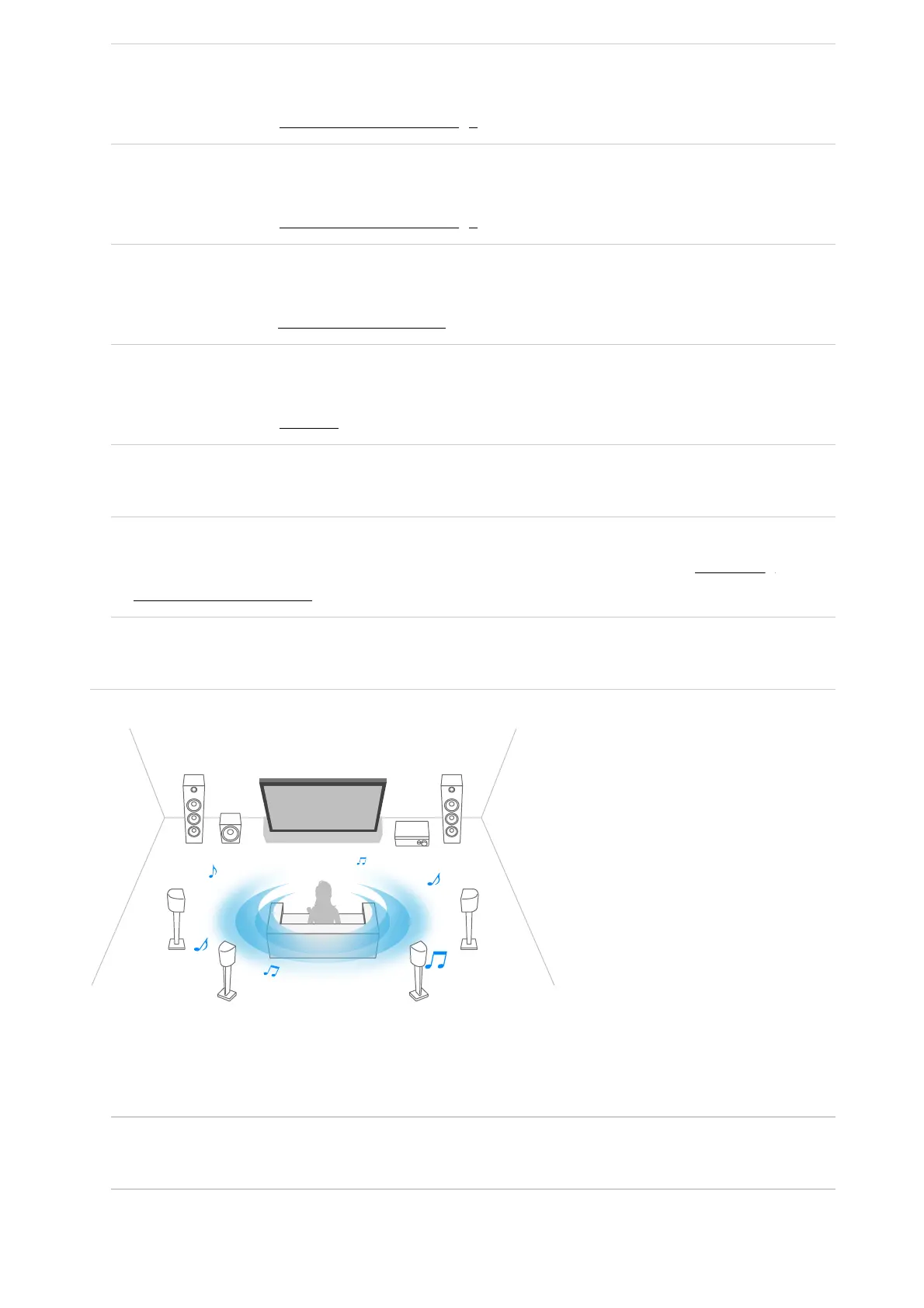
Acoustic auto calibration
Adjust audio output based on your viewing environment. For details, refer to Performing
acoustic auto calibration.
Reset
Return all sound settings to factory default settings.
Audio output
Configure to output sound from headphones or an audio system instead of the TV
speakers.
You can configure settings such as those below.
Speakers
Select TV or external speakers.
TV centre speaker mode



 To Next Page