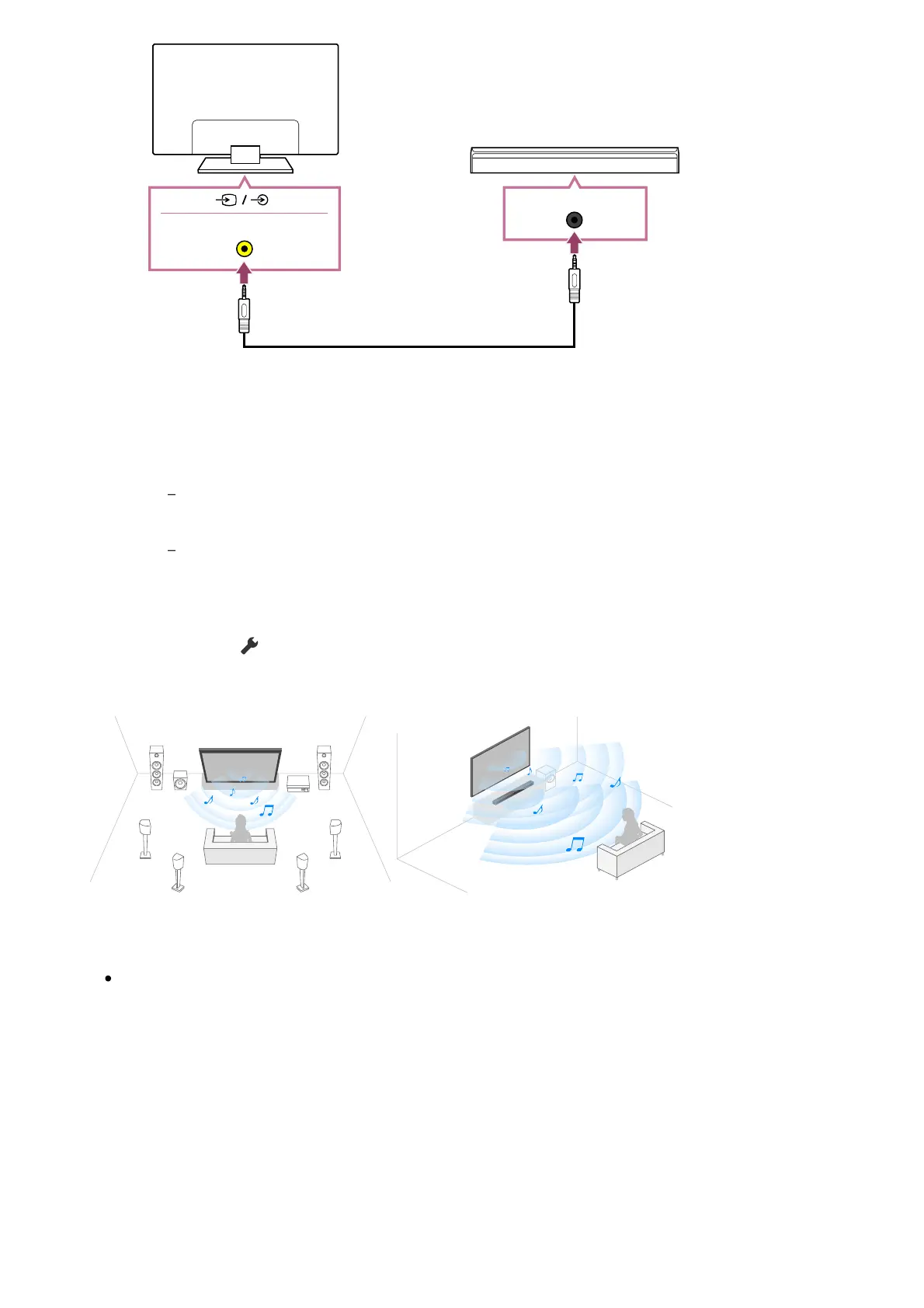
(A) TV centre speaker mode cable (supplied with devices such as sound bars that
have S-CENTER OUT terminals)
Note
Even when connecting a sound bar with an S-CENTER OUT terminal, it must be
connected to the TV with an HDMI cable like a normal sound bar.
Also refer to the instruction manual of the audio system with an S-CENTER OUT
terminal.
Press the (Quick Settings) button on the remote control, change — [Audio
output] to [Audio system].
Note
If centre audio is not output from the TV, enable [Settings] — [Display & Sound] —
[Audio output] — [TV centre speaker mode].
Connecting an AV receiver with a speaker cable
Connect the TV and AV receiver with a speaker cable.



 To Next Page