2
Press the (Quick Settings) button on the remote control, and select an
audio system setting.
For details about audio system settings, please refer to your audio system's manual.
Note
Audio system settings are displayed only for supported models.
For information about supported models, refer to the support site.
https://www.sony.net/hav_faq
The settings that are displayed depend on the audio system model.
Hint
For settings that are not displayed by default, select settings to add from (Edit).
Related topics
Connecting an audio system
[62] Using the TV with Other Devices
Video game consoles
Connecting
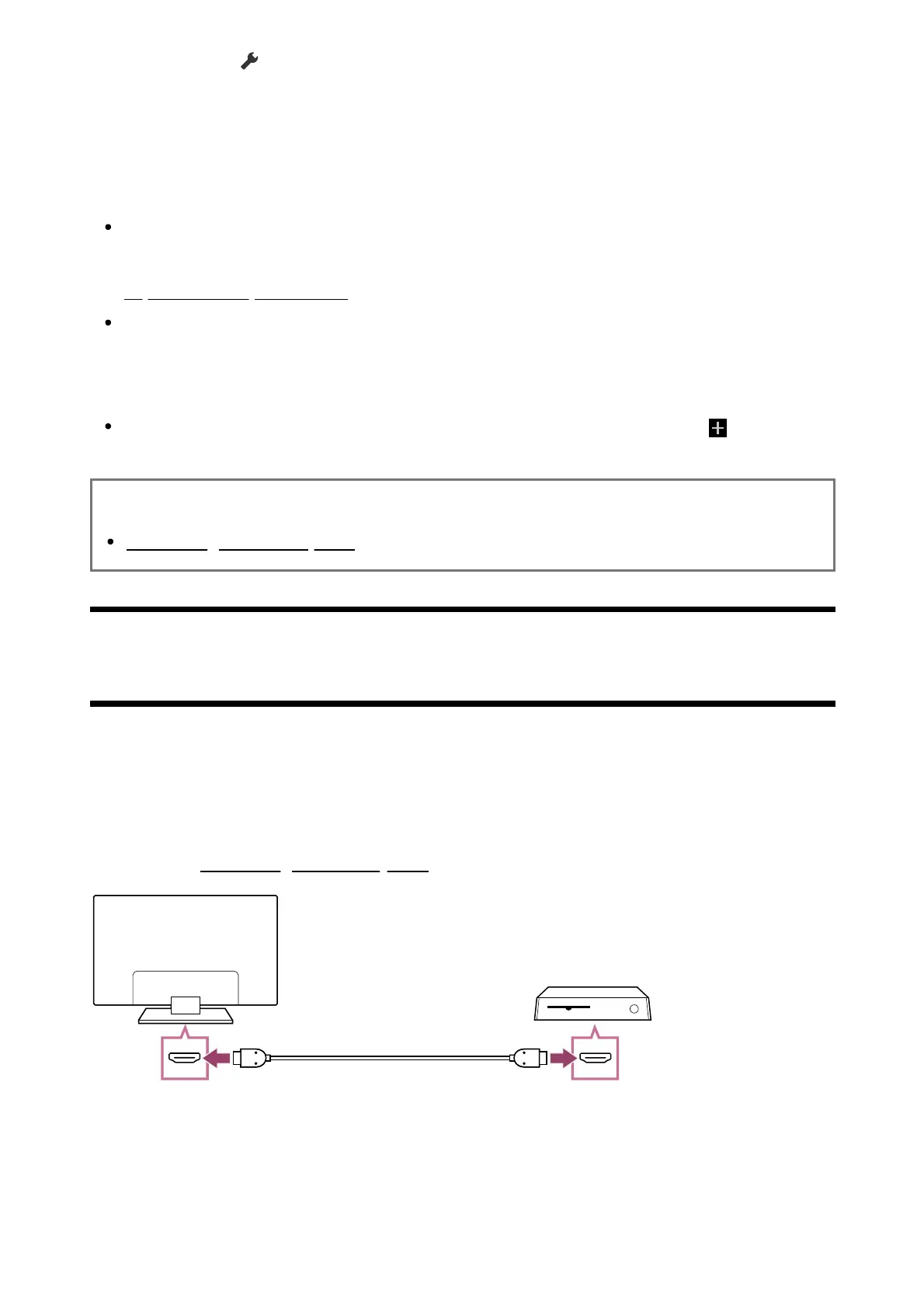
Connect an HDMI-supported video game console to your TV with an HDMI cable.
To connect an audio amp or sound bar at the same time, refer to HDMI connection (eARC
supported) in Connecting an audio system.



 To Next Page