Internet service provider or those supplied with the router. You can also contact the
person who set up the network (network administrator).
Related topics
The TV cannot connect to the Internet/Network.
Using Wi-Fi to connect the TV to the Internet/Network
Home network features
[79] Connecting to a network | Connecting to a network
Connecting to a network using a wireless
connection
Using Wi-Fi to connect the TV to the Internet/Network
Using Wi-Fi Direct to connect to the TV (no wireless router required)
[80] Connecting to a network using a wireless connection | Connecting to a network using a
wireless connection | Connecting to a network using a wireless connection
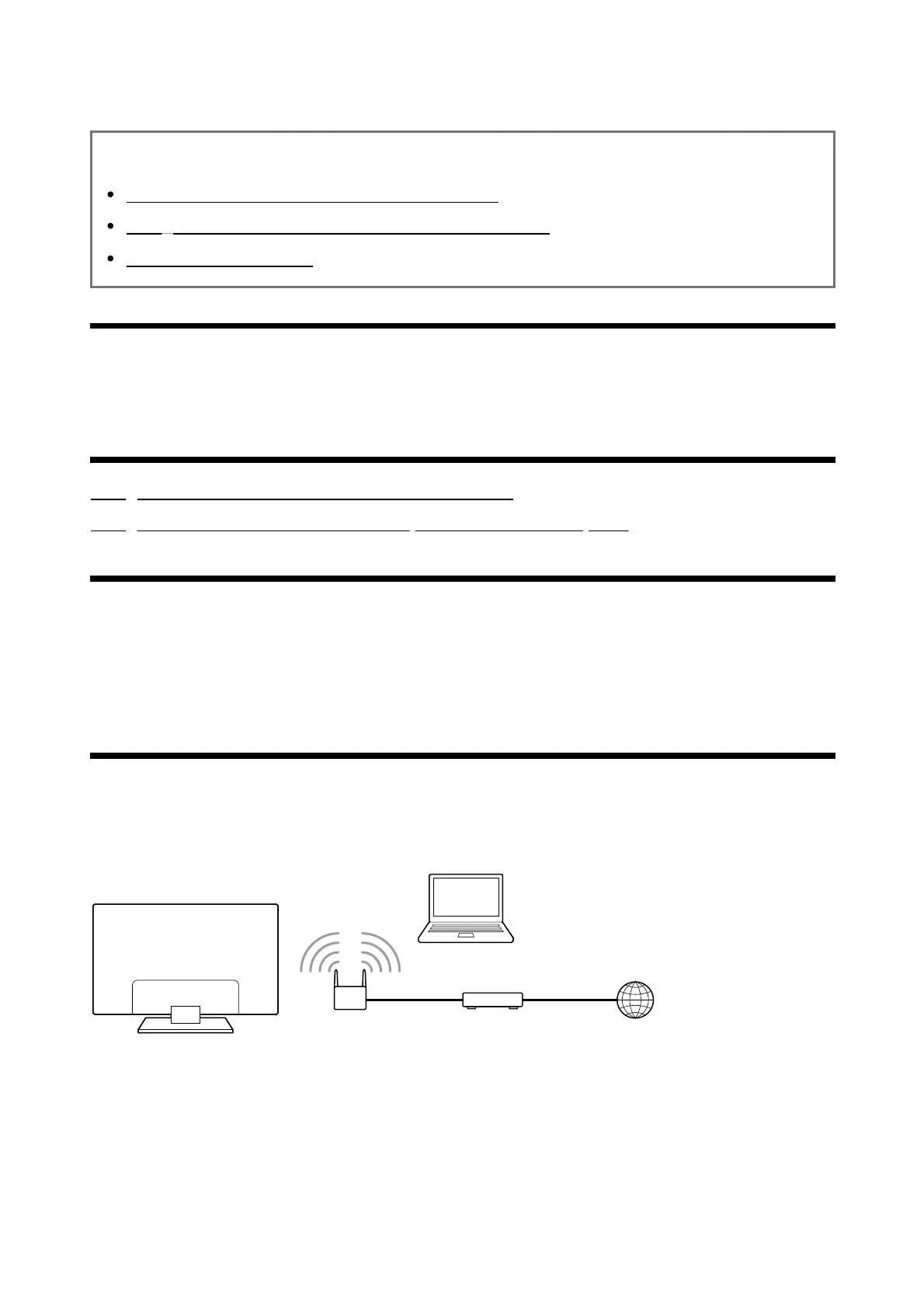
Using Wi-Fi to connect the TV to the
Internet/Network
The built-in wireless LAN device allows you to access the Internet and enjoy the benefits of
networking in a cable-free environment.



 To Next Page