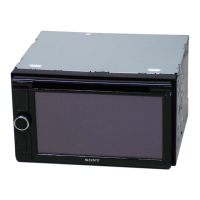
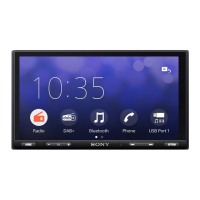
4GB
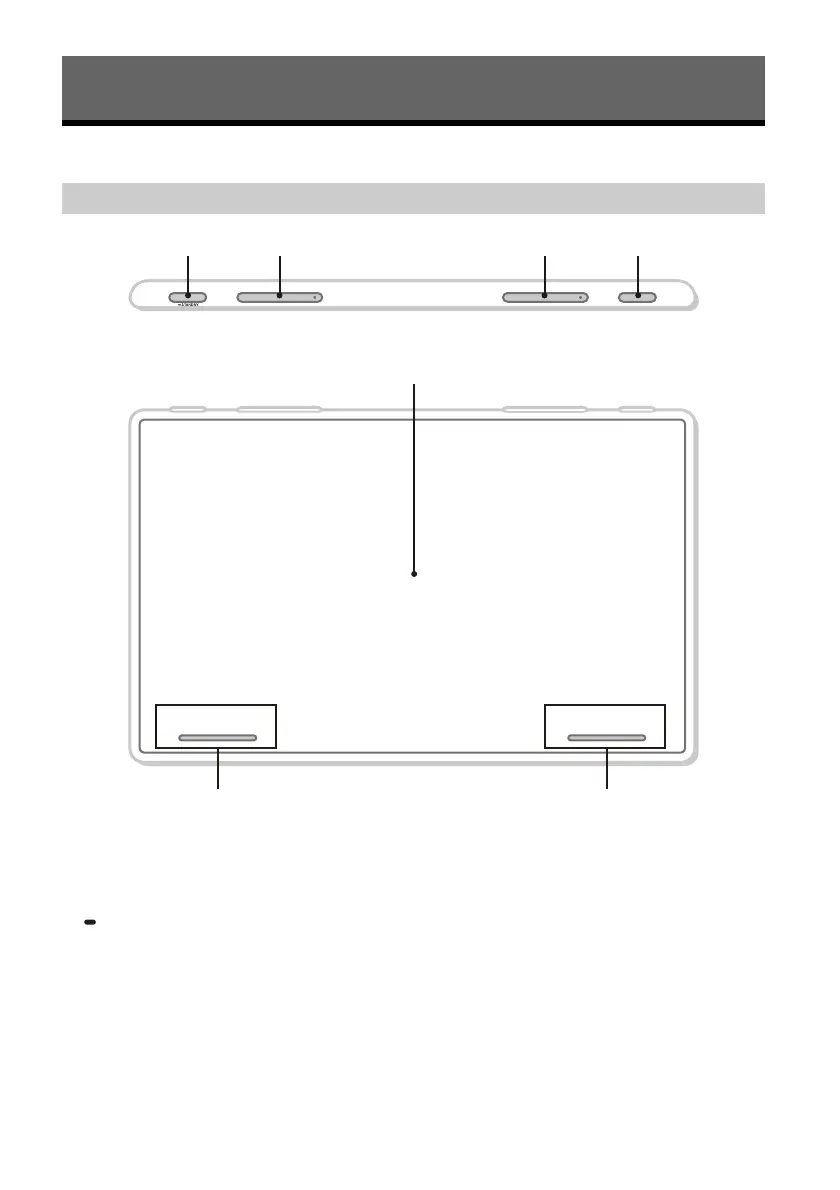
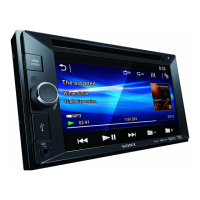
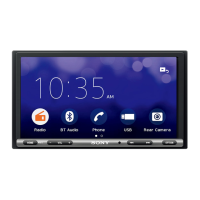
Main Unit and Remote Commander
The VOL (volume) +/ (next) buttons have a
tactile dot.
HOME
Displays the HOME screen (page 6).
STANDBY
Press and hold to turn off the unit.
Press and hold for more than 10 seconds to reset
the unit.
VOL (volume) +/–
/ (previous/next)
Functions differently depending on the selected
source:
– [Radio]: select a preset station.
– [SiriusXM]: select a preset channel.
– [USB]/[Bluetooth Audio]: move to the
previous/next content.
– [Apple CarPlay]/[Android Auto]: move to the
previous/next content.
Press and hold to:
– [Radio]: tune into a station automatically
(SEEK+/SEEK–).
– [USB]/[Bluetooth Audio]: fast-reverse/fast-
forward.
VOICE
Activates the voice command function for Apple
CarPlay and Android Auto™.
Display/touch screen
Guide to Parts and Controls
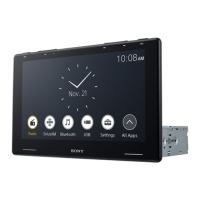
Main unit


 To Next Page