Help Guide
In-Car Receiver
XAV-9500ES
Setting a Parental Control
The parental control feature allows you to limit access to SiriusXM channels with mature content. When enabled, the
parental control feature requires you to enter a passcode to tune to the locked channels. Information on setting up the
passcode and locking channels can be found below.
To unlock the channels/To lock the channels again
To change the passcode
5-021-904-11(1)
Copyright 2021 Sony Corporation
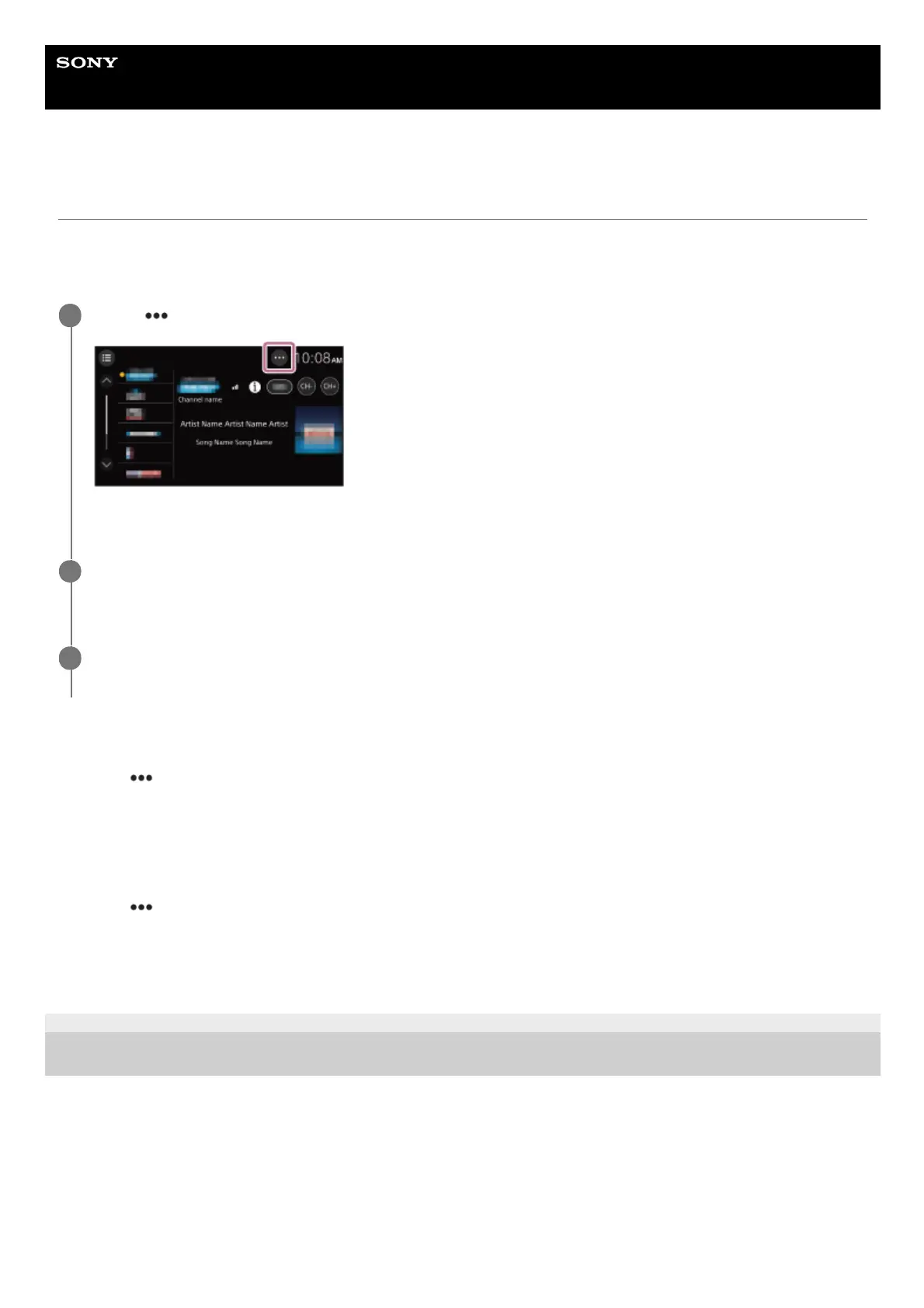
Touch
(option) on the SiriusXM radio screen, then touch [Parental Control].
The passcode input display appears.
1
Enter your 4-digit passcode by touching the number keys, then touch [OK].
The passcode confirmation display appears.
2
Enter the 4-digit passcode again, then touch [OK].
The parental control is applied, and the channels are locked.
3
Touch
(option), then touch [Parental Control].
The passcode input display appears.
1.
Enter your 4-digit passcode by touching the number keys, then touch [OK].2.
Touch
(option), touch [Change Passcode], then enter your current passcode.1.
Enter your new passcode, then touch [OK].
The passcode confirmation display appears.
2.
Enter your new passcode again, then touch [OK].3.



 To Next Page