Help Guide
In-Car Receiver
XAV-9500ES
Playing a BLUETOOTH Device
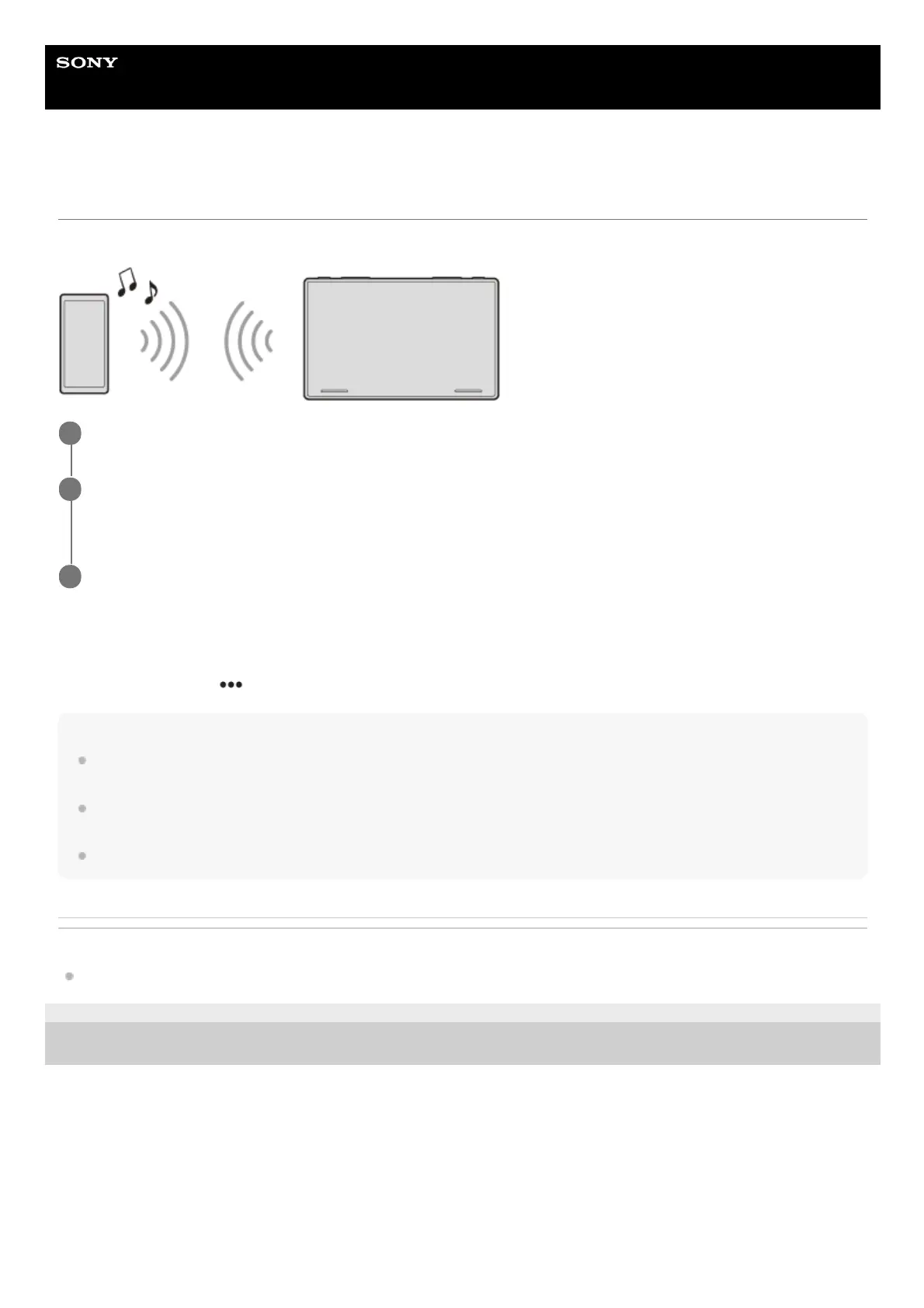
You can play contents on a connected device that supports BLUETOOTH A2DP (Advanced Audio Distribution Profile).
To match the volume level of the BLUETOOTH device to other sources
You can reduce the volume level differences between this unit and the BLUETOOTH device:
During playback, touch (option), then set [Bluetooth Input Level] between –6 and +6.
Note
Depending on the BLUETOOTH device, information such as title, track number/time, and playback status may not be displayed
on this unit.
Depending on the BLUETOOTH device or music playback application, audio output may distort when [Bluetooth Input Level] is
set between +1 and +6. In this case, lower the [Bluetooth Input Level].
BLUETOOTH connection is not possible while Apple CarPlay or Android Auto is running.
Related Topic
Connecting with a Paired BLUETOOTH Device
5-021-904-11(1)
Copyright 2021 Sony Corporation
Make a BLUETOOTH connection with the BLUETOOTH device.
1
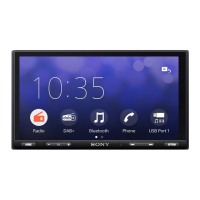
Press HOME, then touch [Bluetooth].
If [Bluetooth] is not set in the Favorite area, touch [All Apps] to display the HOME2 screen, then select [Bluetooth].
2
Operate the BLUETOOTH device to start playback.
3


 To Next Page