Volume Settings
Adjusts the volume level of each source.
Note
When adjusting the volume settings, park your car in a safe place as it may be too loud to hear the surrounding sounds.
Optional Audio Output Channel
Selects the channels for call, guidance, and prompt audio: [Front], [Rear].
Dimmer
Adjusts the brightness level of the display and buttons by changing the value.
When [Activate the set value with the vehicle's light] is on, the display and buttons turn on at this brightness level when
the head lights are turned on.
Key Illumination
Dims the button illumination: [Off], [On].
Key Brightness on Display Off
Dims the button brightness when the monitor is turned off: [Off], [1], [2], [3], [4].
Driver's Position
Selects the driving position to optimize usability of Apple CarPlay and Android Auto: [Left Side], [Right Side].
MIC Adjust
Sets the microphone parameters according to the size of the car: [Small Cabin], [Medium Cabin], [Large Cabin].
Bluetooth Signal
Activates the BLUETOOTH signal: [Off], [On].
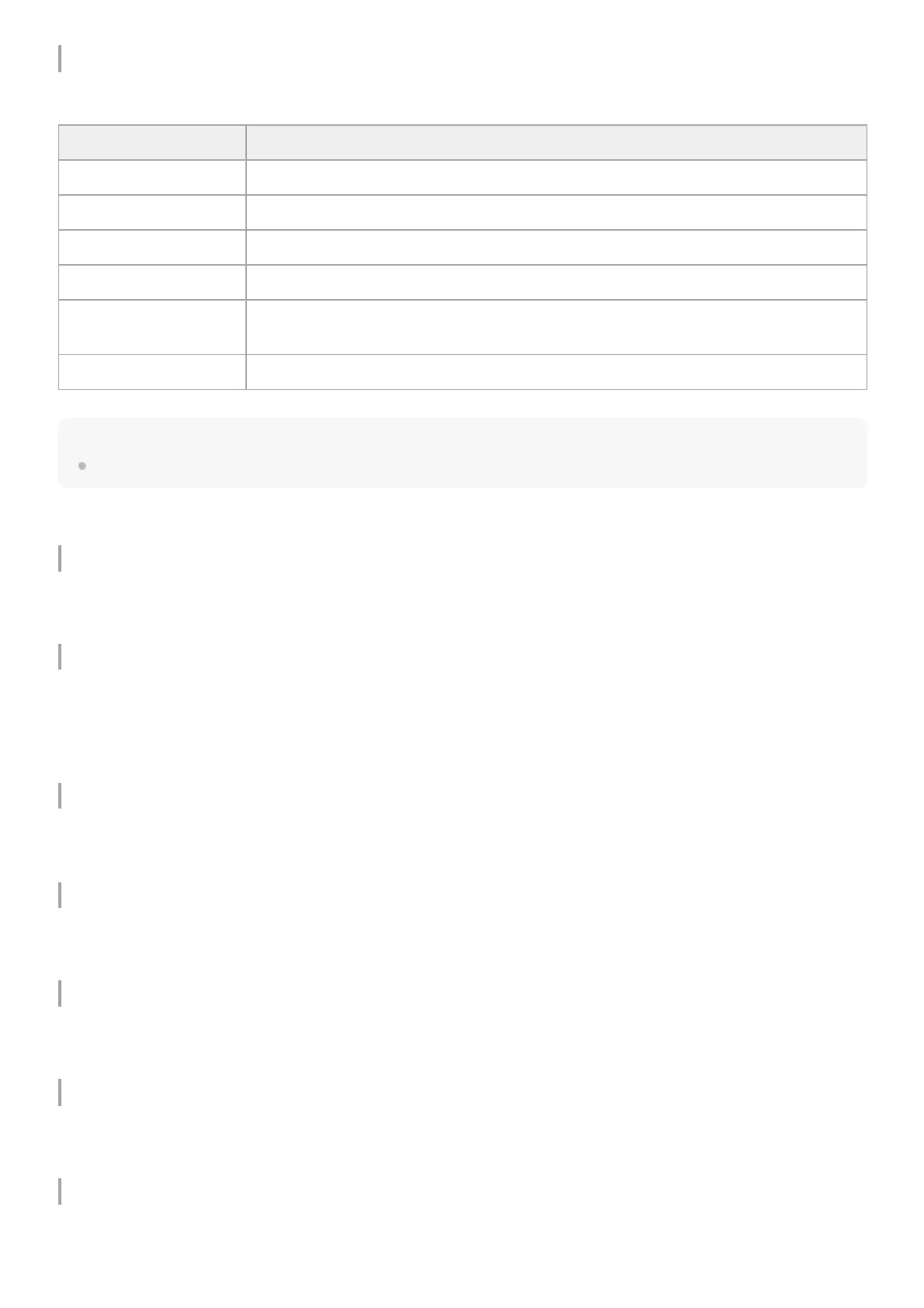
Item Detail
Media Adjusts the volume of media: 0 to 50.
Phone Call Adjusts the volume of phone calls: 0 to 50.
Ring Tone Adjusts the volume of the ring tone: 0 to 50.
Voice Recognition Adjusts the volume of voice recognition: 0 to 50.
Maestro Chime (XAV-
9500ES(UC))
Adjusts the volume of Maestro chime: 0 to 50. (Available only when the connection with
iDataLink Maestro is established.)
Navigation Guidance Adjusts the volume of navigation guidance from Apple CarPlay or Android Auto: 0 to 50.


 To Next Page