XDCAM Workflow Guide
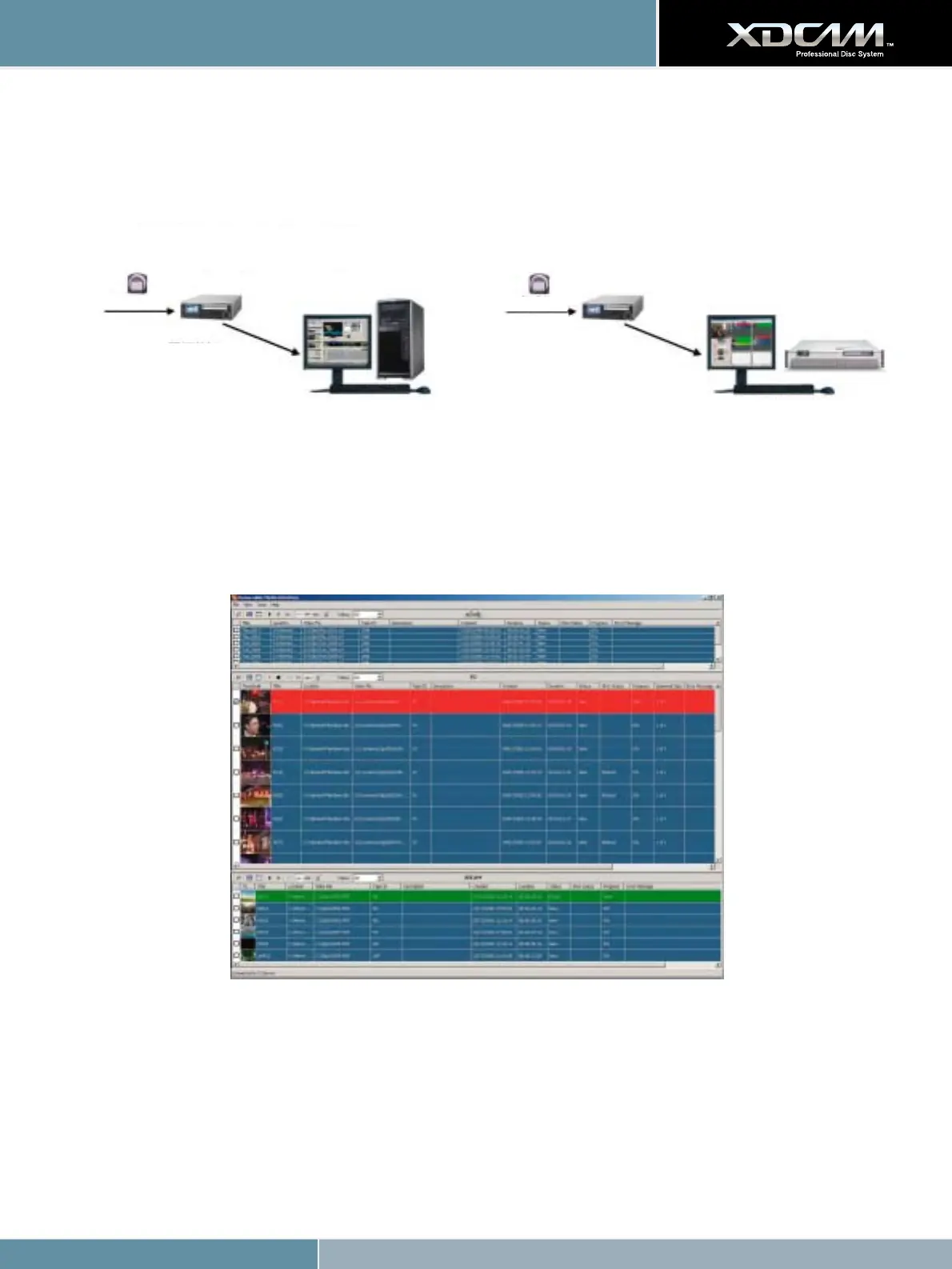
Sony XDCAM HD and Grass Valley Aurora Edit
...just like tape-to-timeline editing.
Sony XDCAM HD and Grass Valley Aurora Ingest with RMI
From Field Acquisition
IEEE 1394 Interface
Use AV/C protocol for tape
deck-like control
Use SBP2 protocol for file
folder/Bin source (virtual
disk drive)
Grass Valley Aurora Edit
From Field Acquisition
File Access Mode (FAM)
Grass Valley Aurora Ingest with
Removable Media Interface (RMI)
Grass Valley Aurora Edit & Aurora Ingest - RMI From Thomson
Aurora Ingest - RMI
Grass Valley’s Aurora Ingest - RMI from Thomson is an application that lets you simultaneously ingest files from multiple removable media devices.
Using Aurora Ingest - RMI
After you have configured Aurora Ingest - RMI and attached the removable media device, RMI is ready to use.
To use RMI, follow these steps:
1. Verify that the removable media device is plugged in and media is attached or inserted.
2. Select Programs | Aurora 6.1 | Aurora Ingest - RMI.
The detachable media option is seen automatically.
3. To select the clips you want to ingest, check the box next to each of the clips.









 To Next Page