XDCAM Workflow Guide
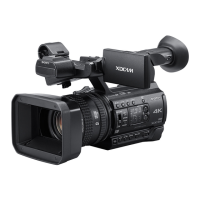
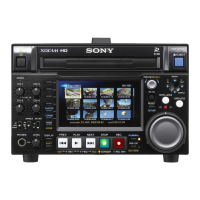
The Matrox Axio editing platforms combined with Adobe Premiere Pro provide realtime native editing of OP-1A standard MXF files
captured using Sony XDCAM and XDCAM HD devices. DVCAM, MPEG IMX, and MPEG HD are all supported.
Matrox Axio users can transfer native XDCAM and XDCAM HD MXF files into their editing system then mix them with a variety of
other native HD and SD media and AVI files on an HD or SD timeline in real time. This smooth workflow and interoperability
eliminates inefficient, time-consuming file and codec transcoding and effects rendering. It simplifies integration with various
broadcast equipment and eases file management in networked environments by eliminating file recompression to match timeline
formats.
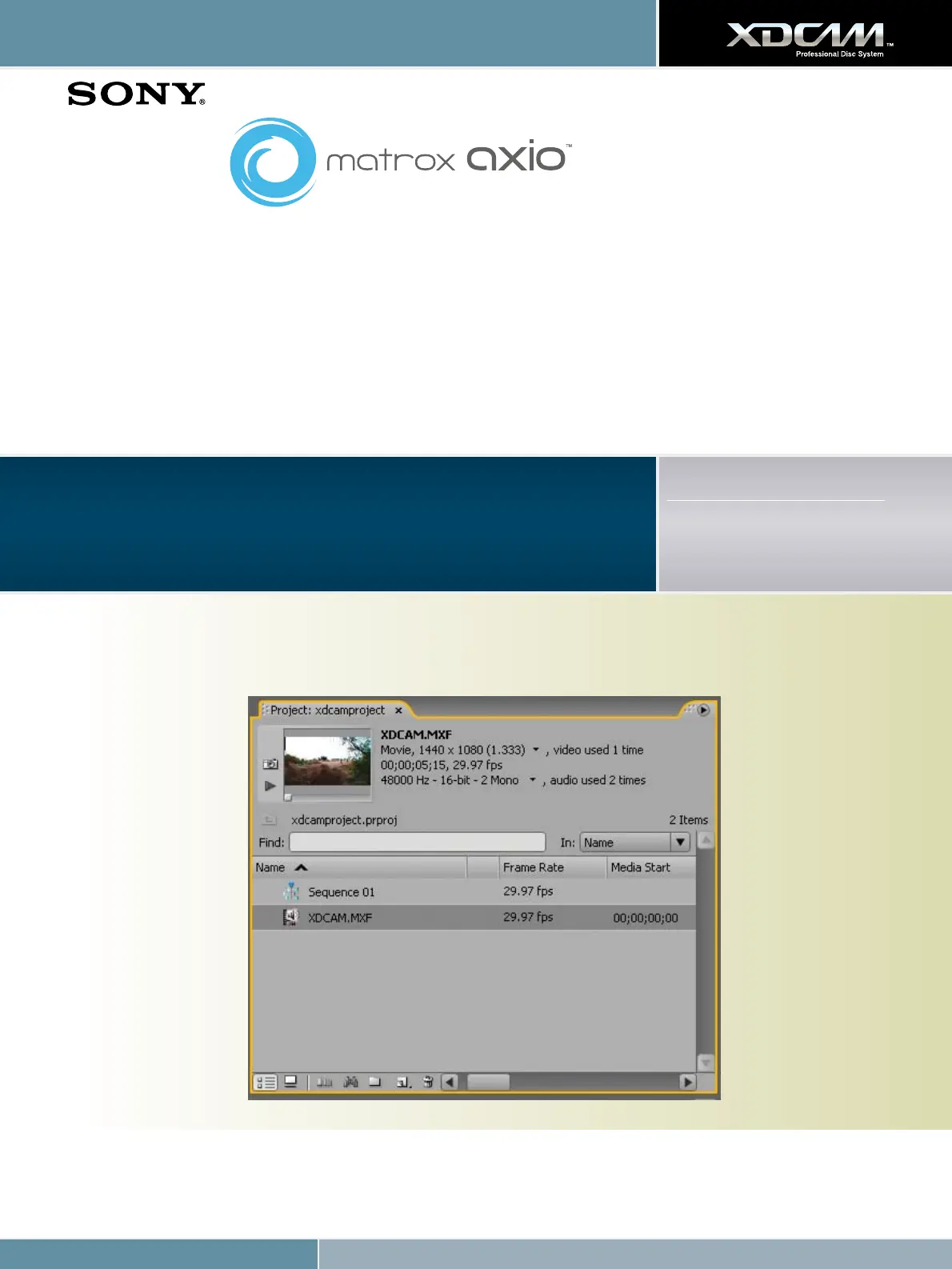
1. Transfer full-resolution native XDCAM and XDCAM HD MXF files into the Matrox Axio editing system via Ethernet or FireWire.
Matrox Axio LE 3.0
Matrox Axio HD 3.0
Matrox Axio SD 3.0
Supported File Formats
MPEG IMX (50/40/30 Mb/s)
DVCAM
MPEG HD (35/25/18 Mb/s)
Workflow steps:








 To Next Page