141
Camera
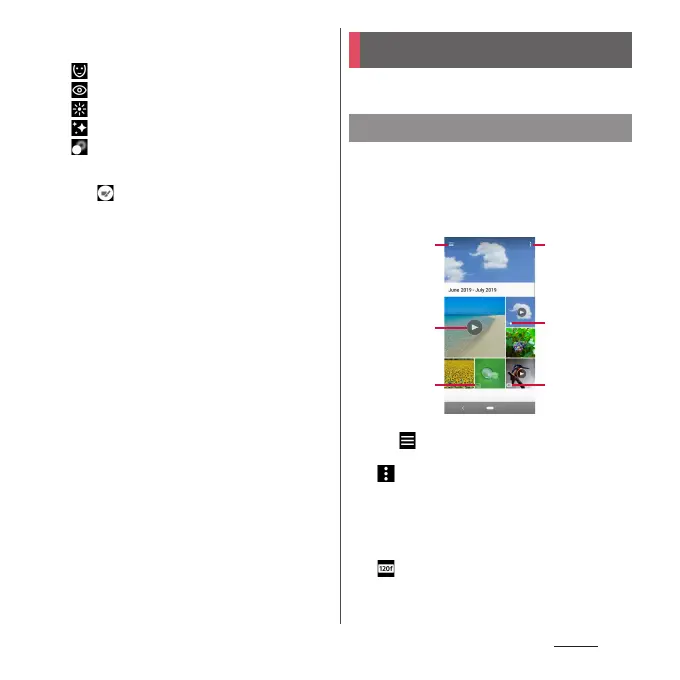
To set Slender face, etc. tap the icon
u
Tap a
point on the bar or drag the marker.
Slender face
Eye enlargement
Skin brightness
Soft skin
Bokeh
■
Switch of effect : "Creative effect"
Tap to switch a type of effect. You can
make various settings according to the type
of effect.
View/play photos or videos.
1
From the Home screen, [Album].
・
Images are displayed in a list in
chronological order.
■
Image list screen
a
Menu
・
Tap to select contents to display, make
settings, etc.
・ u
[Select items]
u
Tap an image to select for
displaying a menu of deletion, share, etc. Tap
images continuously to select multiple files.
b
Video file
c
Continuous shot file
d
Slow motion file
・
is displayed for a file before editing when it is
shot with "Slow motion".
e
4K video file
Album
Displaying photos/videos
b
a
c
a
d
e











 To Next Page