Gmail™
If you have a Google™ account, you can use the Gmail™ application to read and
write email messages.
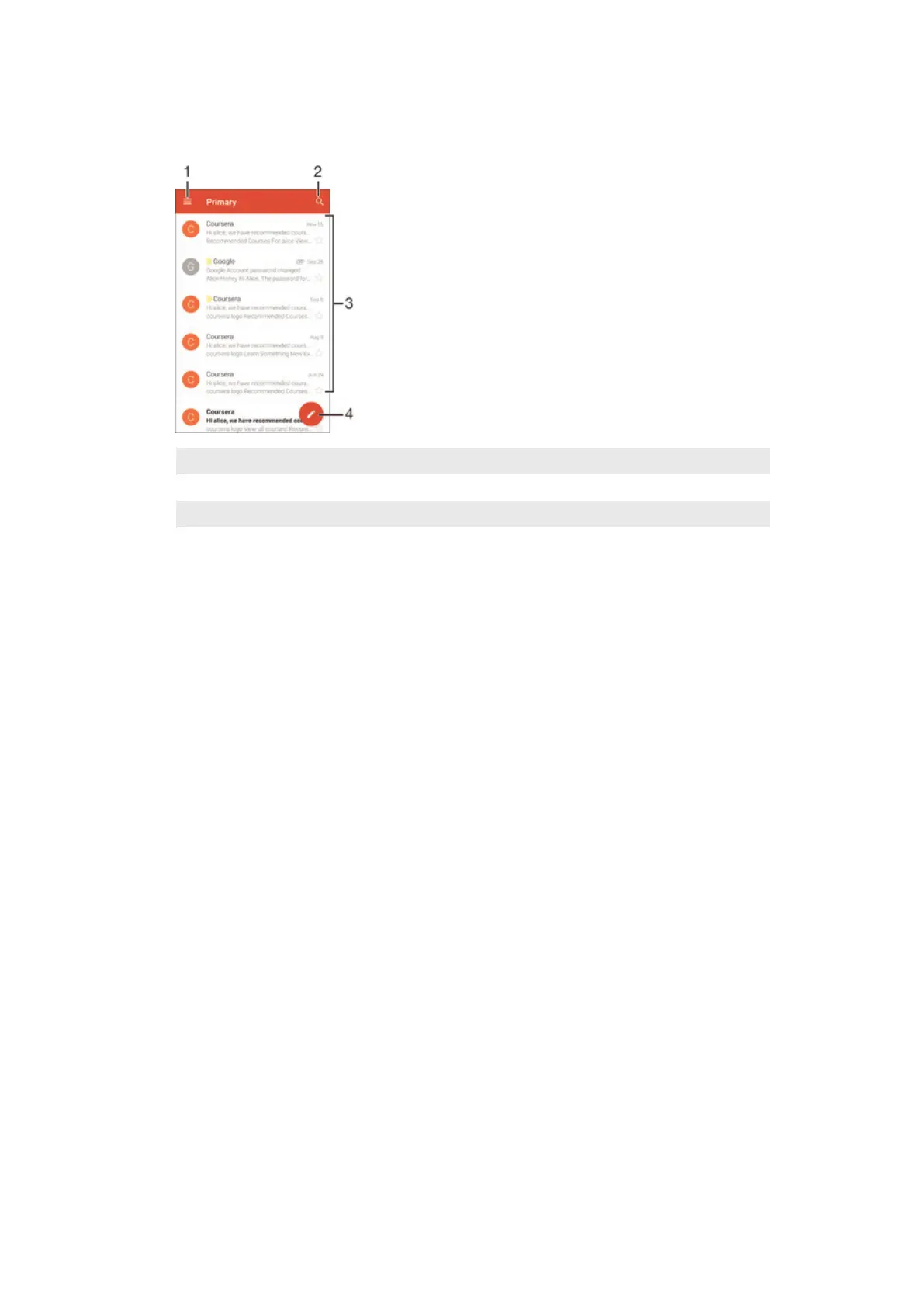
1 View a list of all Gmail accounts and folders
2 Search for email messages
3 List of email messages
4 Write an email message
To learn more about Gmail™
•
When the Gmail application is open, drag the left edge of the screen to the
right, then find and tap Help.
77
This is an Internet version of this publication. © Print only for private use.










 To Next Page