1277-1364 Rev 1
© Sony Mobile Communications
1 Emma Log
In order to change a phone from
followed by an ‘Activation Script’
Start by launching the Emma ap
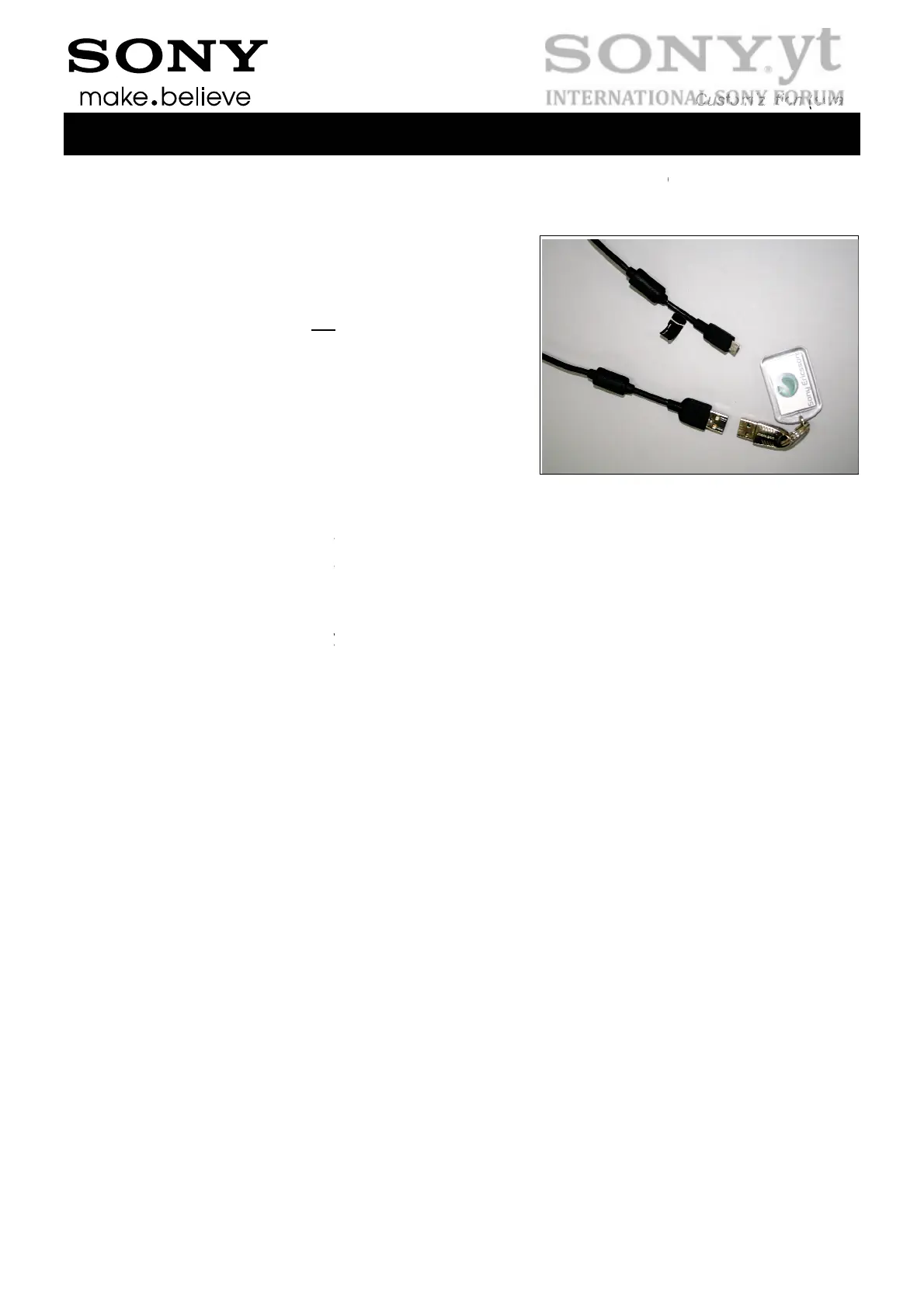
Connect the Micro USB to USB
computer’s USB ports but do no
the phone.
The USB Activation Dongle has
the computer’s USB ports to be
To execute a ‘Customization’ or
application by using your User I
To execute a ‘Customization Sc
• check that the phone is power
• press and keep the ”Volume D
• connect the phone to the USB
• release the ” Volume Down” ke
When executing an ‘Activation S
Dongle.
AB – Company Internal
in & Script Executi
Customer A to Customer B you must run a ‘
lication.
able to one of the
connect the cable to
o be inserted into one of
ble to log in.
Activation’ you need to be properly logged o
and Password.
ipt’ or ‘Activation Script’ (or any other functio
d of
wn” key down on the phone
able
ript’ you will be prompted for the PIN of you
Customization (swap)
3(7)
n
ustomization Script’
n to the Emma
n):
r USB Activation



 To Next Page