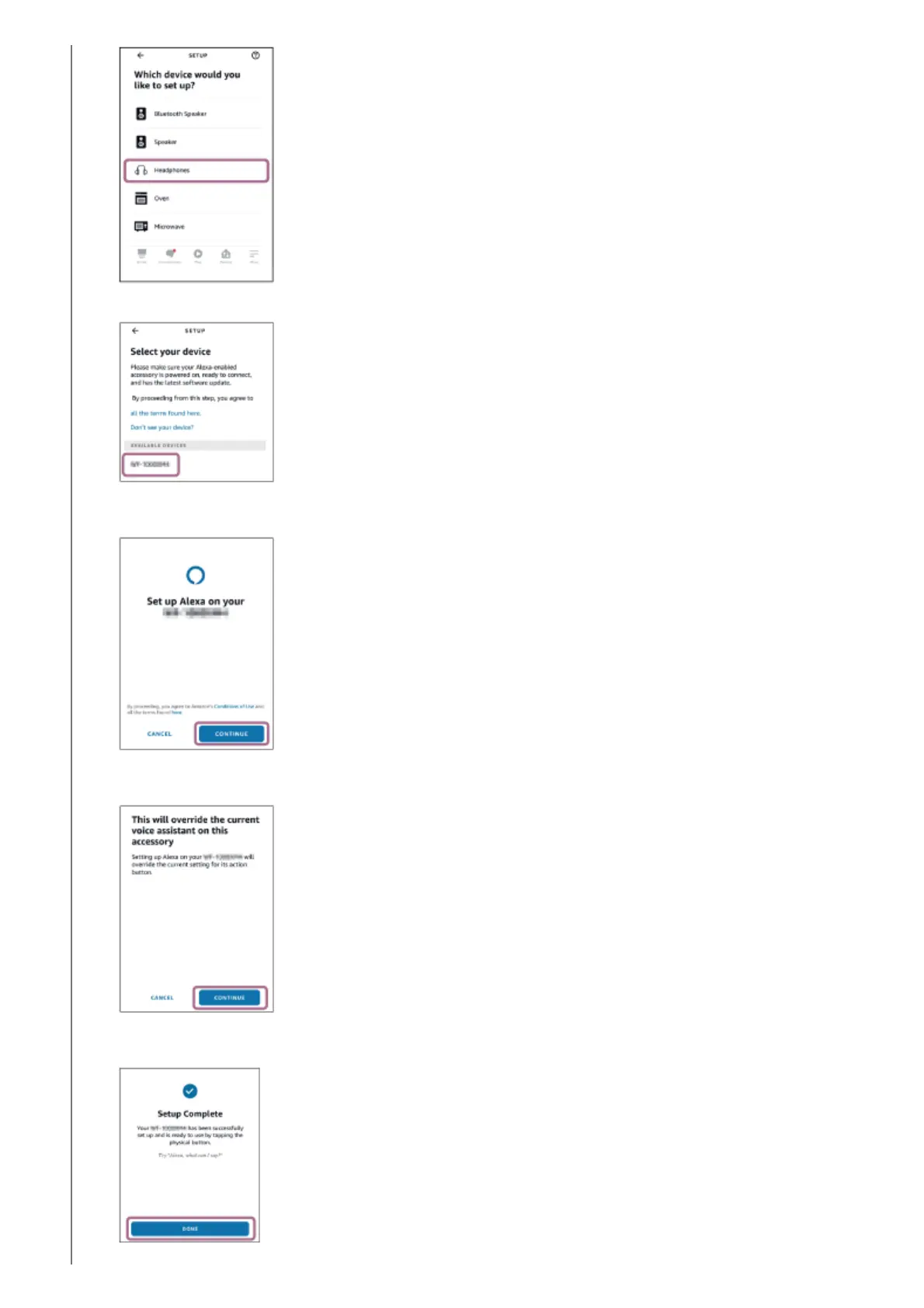
From [AVAILABLE DEVICES] on the [Select your device] screen, select [WH-CH720N].3.
On the [Set up Alexa on your WH-CH720N] screen, touch [CONTINUE].
4.
If the [This will override the current voice assistant on this accessory] screen appears, touch [CONTINUE].
5.
On the [Setup Complete] screen, touch [DONE].
6.



 To Next Page