To deactivate the BLUETOOTH standby function
In step
above, tap the check box for [Bluetooth Standby] to deselect the check box. Going back to the top screen for
the selected speaker (the screen in step
) deactivates the BLUETOOTH standby function.
Hint
When the BLUETOOTH standby function is activated, the
(power) indicator lights up in orange while the speaker is turned off.
(Provided that the speaker is connected to an AC outlet by the supplied AC power cord (mains lead).)
Related Topic
Charging the speaker
Turning the power on
About the indicators
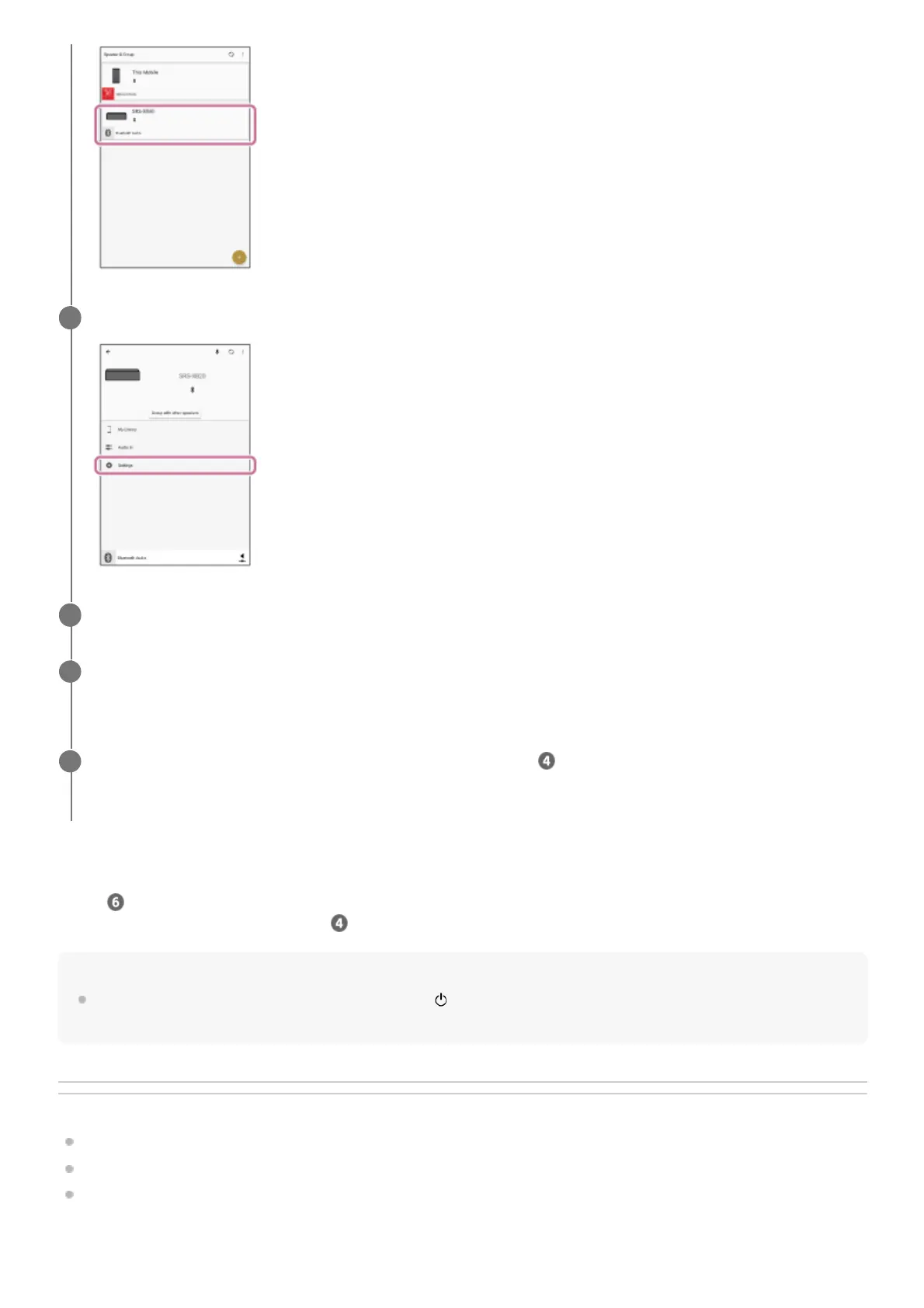
Tap [Settings].
4
Tap [Power Option].
5
Tap the check box for [Bluetooth Standby] to select the check box.
The selected check box indicates that the BLUETOOTH standby function is activated.
6
Go back to the top screen for the speaker (the screen in step
).
The change to the settings is put in effect.
7



 To Next Page