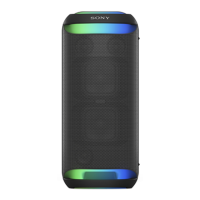
Help Guide
Wireless Speaker
SRS-XV800
Connecting the speaker with a TV
Hint
For TV operations, refer to the instruction manual supplied with your TV.
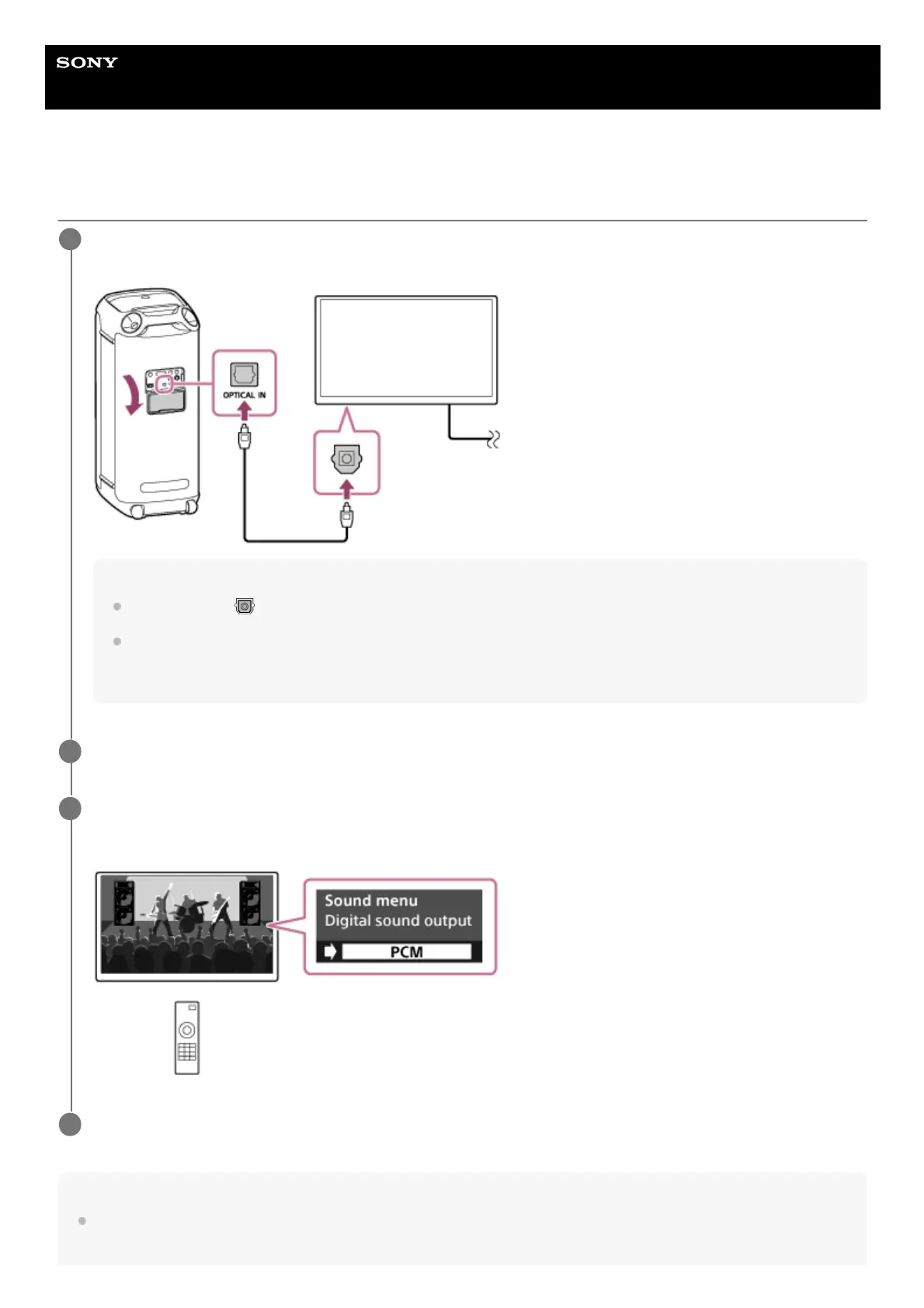
Place the speaker in the vertical orientation, and then connect an optical out jack on your TV and the
OPTICAL IN (optical digital audio input) connector on the speaker with the supplied optical digital cable.
Note
Check the plugs (
) of the optical digital cable for the shape and insert them into the respective connector and jack.
Do not use the OPTICAL IN connector in places where the speaker is likely to have water splashed on it. The supplied AC
power cord (mains lead) as well as the jacks and ports (AC IN/USB/AUDIO IN/OPTICAL IN/MIC/GUITAR) behind the cap
are not designed for water resistant.
1
Turn on the TV.
2
Change the audio output settings on the TV.
Specify PCM as the digital audio output method on the TV.
3
Touch OPTICAL IN on the speaker.
4


 To Next Page