The speaker has been connected to the BLUETOOTH device.
To connect to other BLUETOOTH devices, follow one of the procedures below.
To pair the speaker with a second or subsequent BLUETOOTH device (when the speaker has pairing
information of other BLUETOOTH devices), proceed to step
.
To reconnect the speaker with one of the BLUETOOTH devices that have been paired with the speaker before,
proceed to step
. The speaker will automatically be connected just by turning on the BLUETOOTH function
on the BLUETOOTH device.
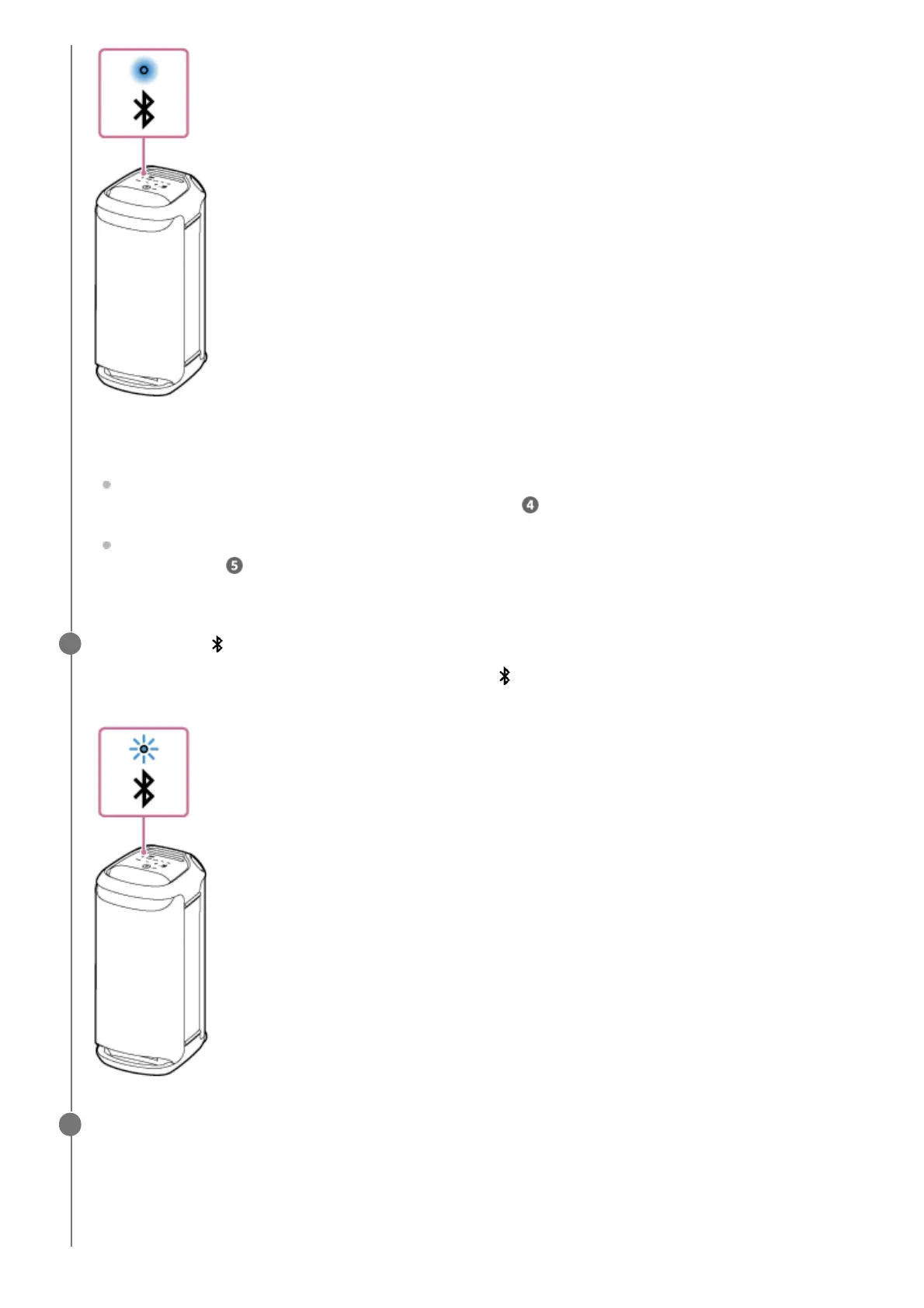
Touch and hold (BLUETOOTH) on the speaker for about 2 seconds.
You hear voice guidance (Pairing) from the speaker and the
(BLUETOOTH) indicator starts double flashing
(pairing mode).
4
Perform the pairing procedure on the BLUETOOTH device to detect the speaker.
When a list of detected devices appears on the display of the BLUETOOTH device, select “SRS-XV800.”
If a passkey
*
is required on the display of the BLUETOOTH device, enter “0000.”
5
The passkey may be called a “passcode,” “PIN code,” “PIN number,” or “password.”
*


 To Next Page
 Loading...