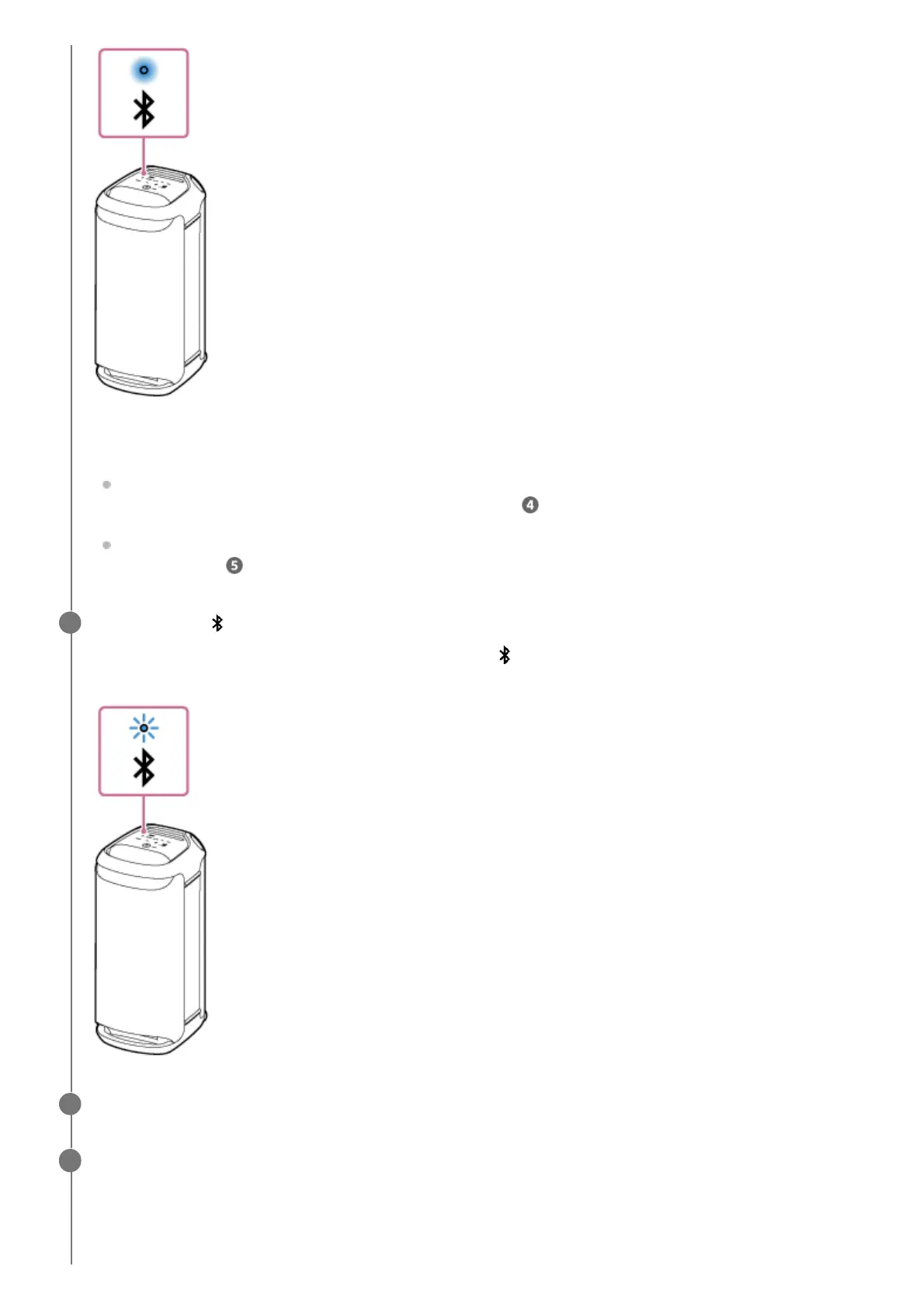
The speaker is already connected with one of the BLUETOOTH devices.
To connect the speaker with another BLUETOOTH device, do either of the following:
To pair the speaker with a second or subsequent BLUETOOTH device (when the speaker has pairing
information of other BLUETOOTH devices), proceed to step
.
To reconnect the speaker with one of the BLUETOOTH devices that have been paired with the speaker before,
proceed to step
.
Touch and hold (BLUETOOTH) on the speaker for about 2 seconds.
You hear voice guidance (Pairing) from the speaker and the
(BLUETOOTH) indicator starts double flashing
(pairing mode).
4
Wake the computer up if the computer is in standby (sleep) or hibernation mode.
5
Register the speaker to the computer.
On Windows 11
6
Click the [Start] button, then [Settings].1.



 To Next Page